Home › Sectors › Telecoms and fibre
For telecoms and fibre
Lots of installs a day, in the order that saves the most miles.
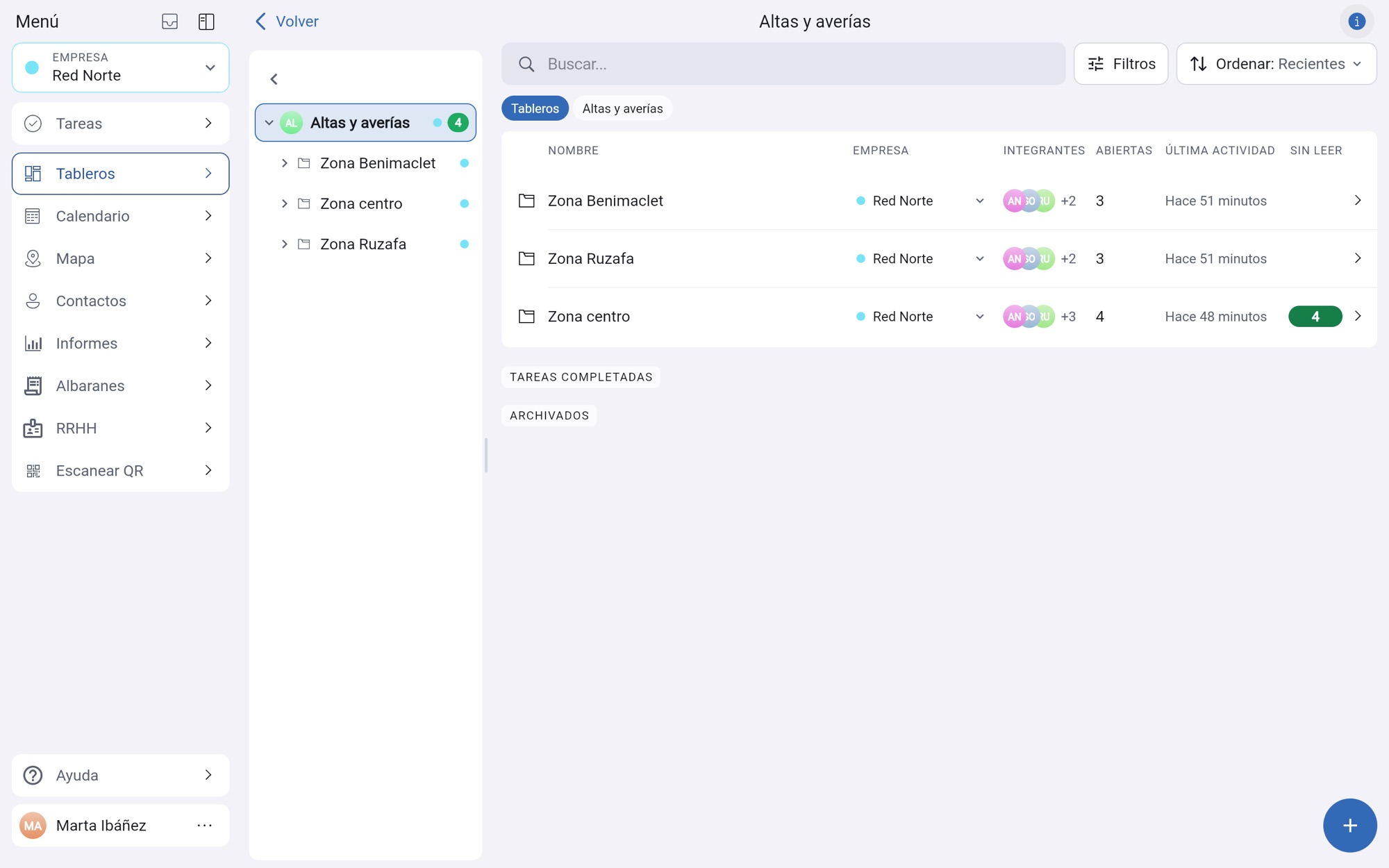
Each technician sees today’s installs in order on the map, leaves a photo of each one and the office changes appointments on the go, without phone tag.
If this sounds familiar, you’re not the only one.
When a technician makes six or seven visits a day, every minute in the van counts.
What you notice most
“My route today”, in order by itself.
Each technician opens the map and sees today’s visits in the order that saves the most miles. One tap opens the route in Google Maps.
- Stops ordered by distance
- Opens in Google Maps
- The office sees everyone’s route
How it helps
From appointment to router photo, no phone calls.
My route today
The day’s installs, in the order that saves the most miles.
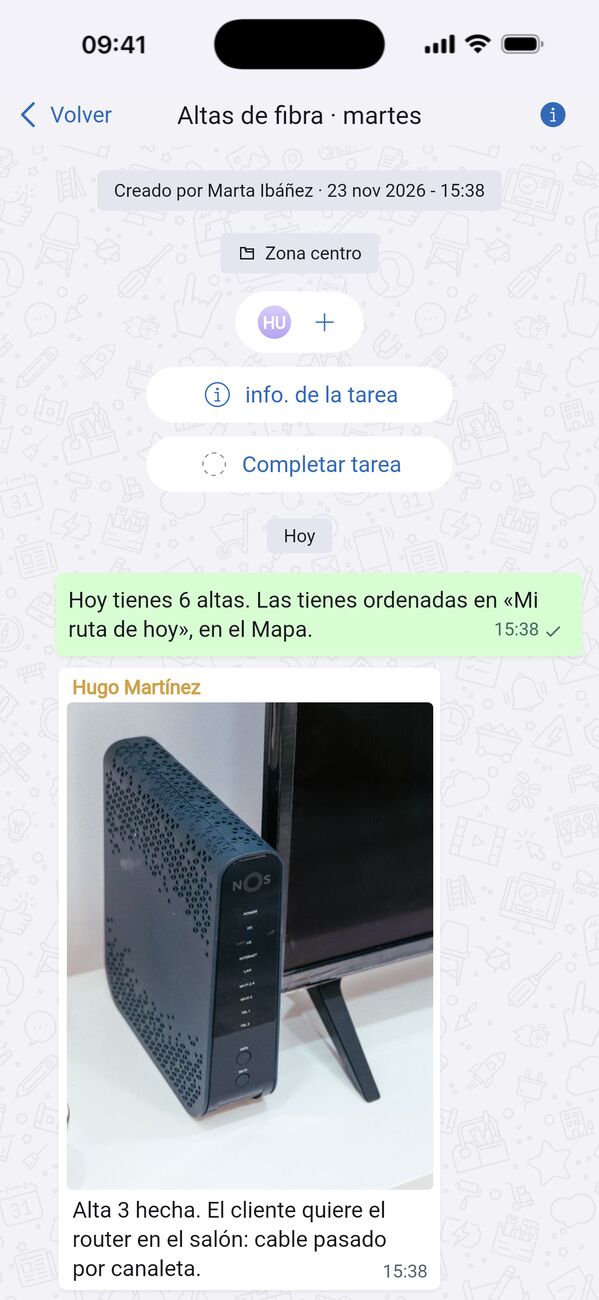
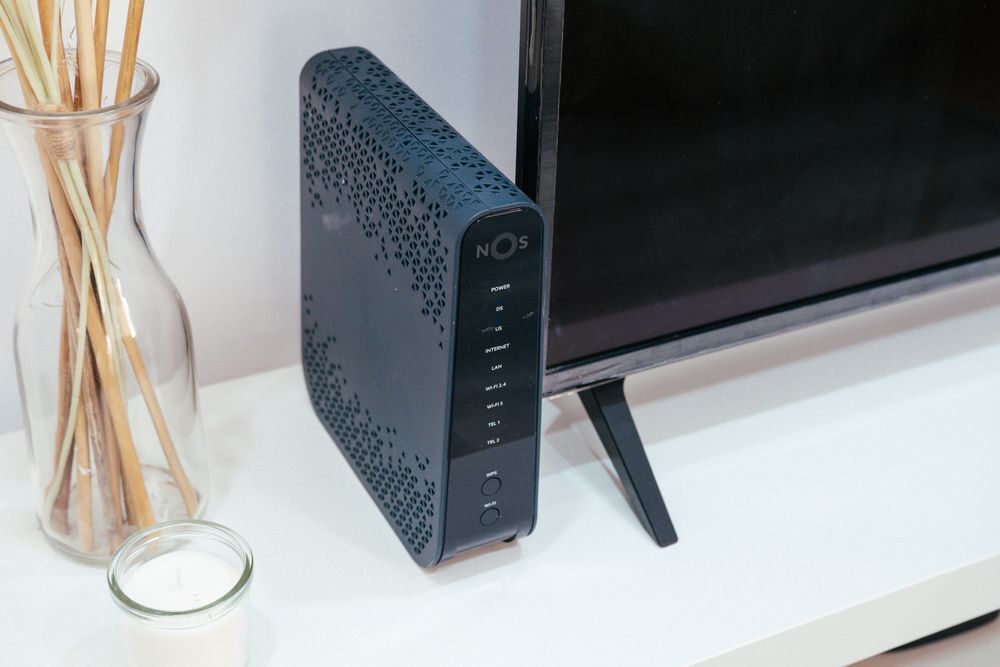
A photo of every install
Where the cable runs and where the router goes. It stays in the client’s folder.
Changes on the spot
“Nobody’s in at number 4.” The office moves it and the technician carries on.
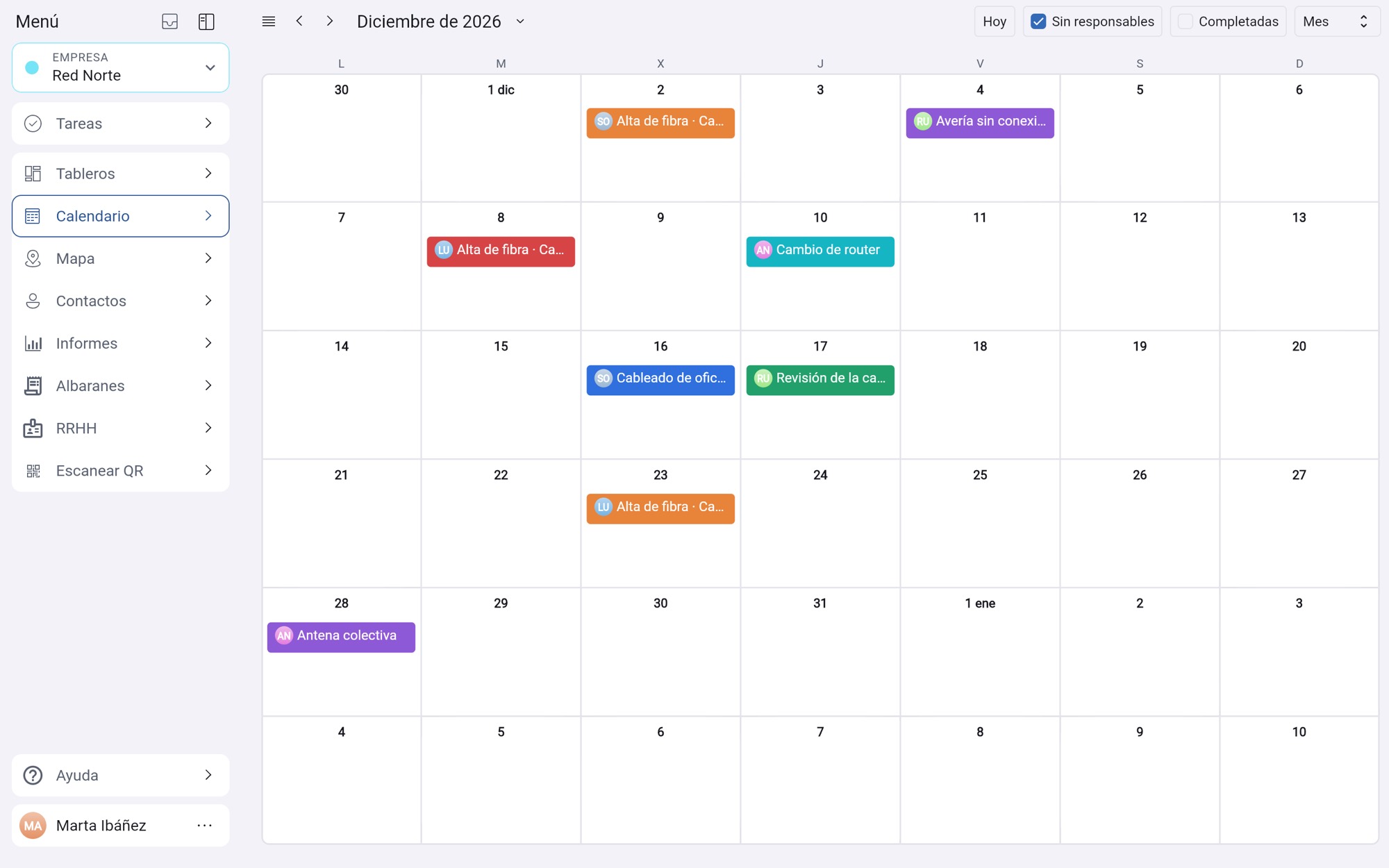
Team calendar
Everyone’s appointments, each in its technician’s colour.
Client sign-off
Delivery note with the client’s signature on the phone.
Clocking in by phone
Each technician clocks in and out, no paper sheets.
- Office · officeYou’ve got 6 installs today. They’re in order in “My route today”, on the Map.
- Hugh · technicianInstall 3 done. The client wants the router in the living room: cable run through trunking.
- Hugh · technicianNobody’s in at number 4. I’m calling and no answer.
- Office · officeI’ll move it to Thursday and let the client know. Carry on with number 5.
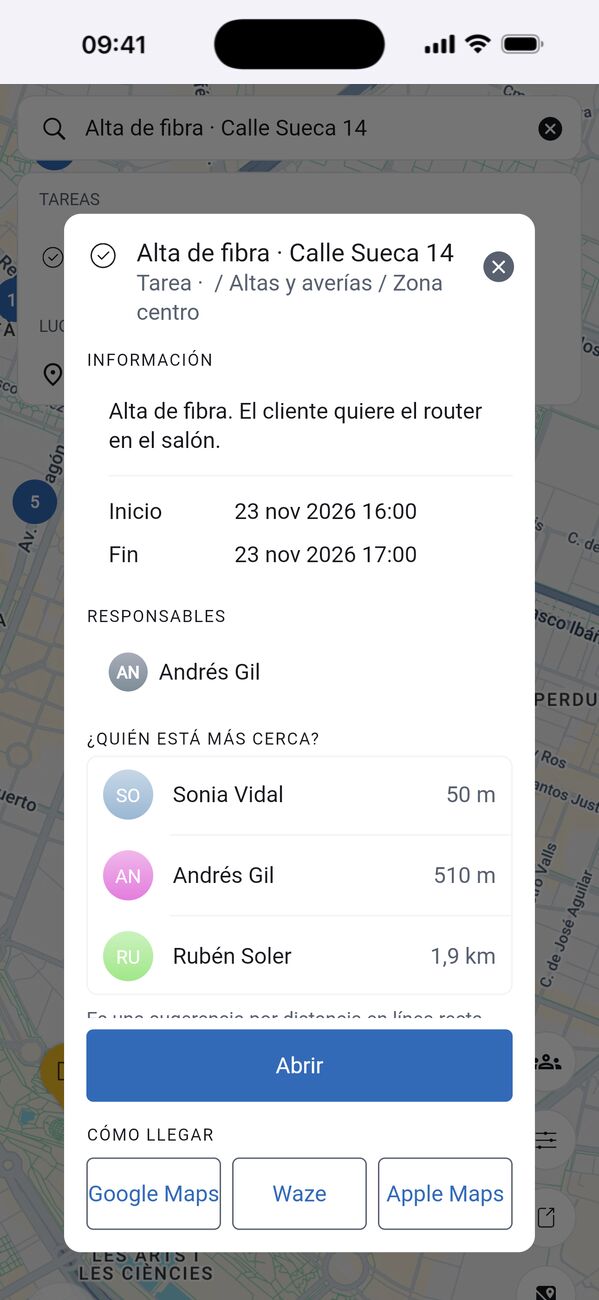
Calendar and map
What’s on today and where.
Installs and faults with a date show up on the team calendar, each in its technician’s colour. And on the map you see where each one is and how to get there with Google Maps, Waze or Apple Maps.
Do you use Odoo or another program?
It connects with what you already use.
With Odoo, people, clients, absences, time records and delivery notes sync on their own, both ways. If you don’t use Odoo, import your contacts from a file and you’re done. See connections
Questions from telecoms installers
Does the route put itself in order?
Yes. “My route today” puts the stops in the order that saves the most miles and opens it in Google Maps.
Can the office see a technician’s route?
Yes, with each person’s “Today’s route”, on the Map.
Does it work with no signal?
Yes, on the phone. What you send without signal goes out by itself once the signal is back.
What if we already use Odoo?
There’s a free module on the Odoo App Store that syncs everything, both ways.
Your company doesn’t fit in a WhatsApp group.
Start today with your team. Up to 4 people it’s free, with no time limit, and you don’t have to give any payment details.
Download it onApp StoreGoogle Play