For gardening and landscaping
Every garden with its history, and a relaxed client.
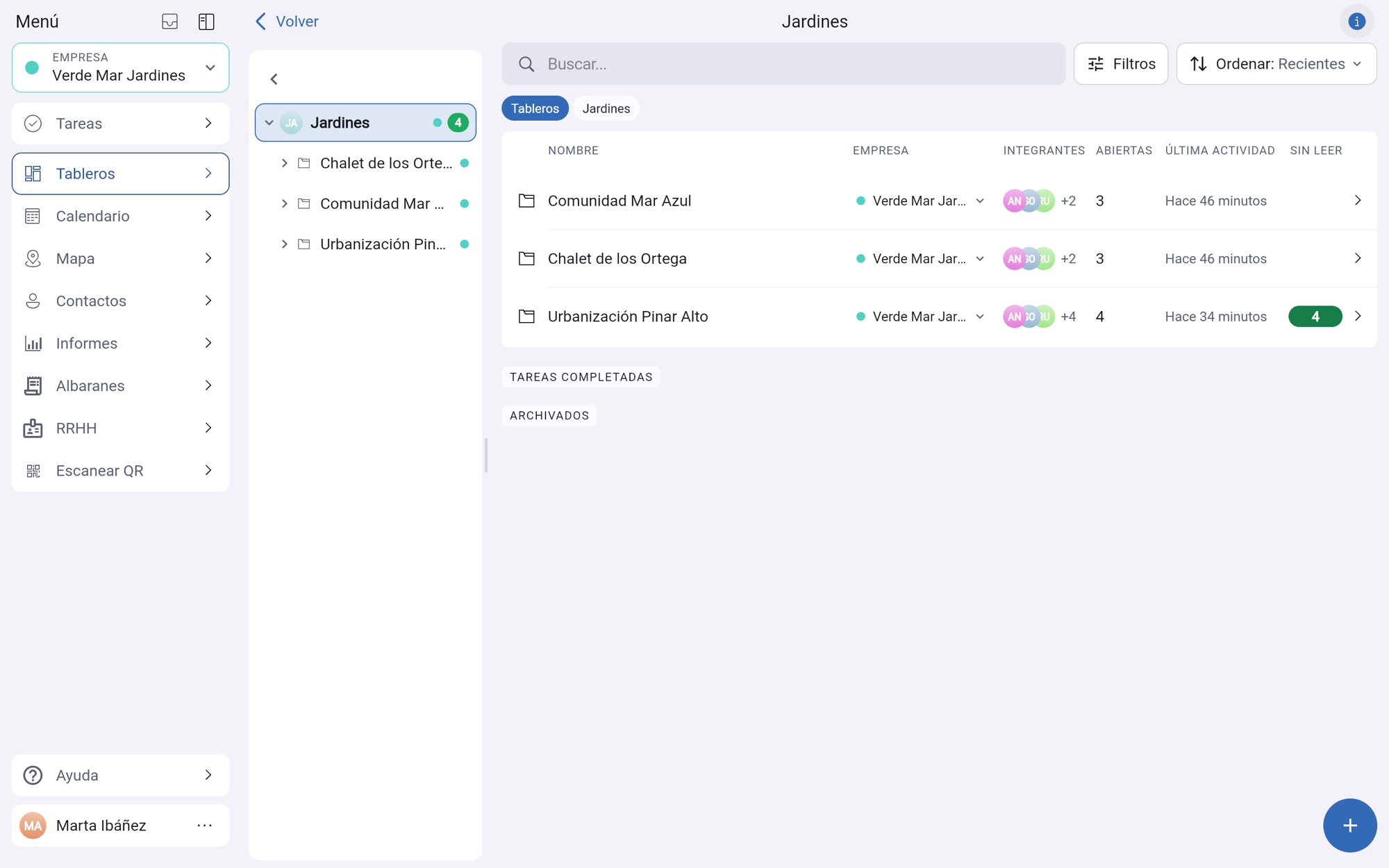
Each client’s maintenance, pruning and watering, with its own chat and before and after photos. The client sees the work without having to pop round.
If this sounds familiar, you’re not the only one.
A well-kept garden goes unnoticed… until the client asks what was done this month.
What you notice most
The client sees the garden without popping round.
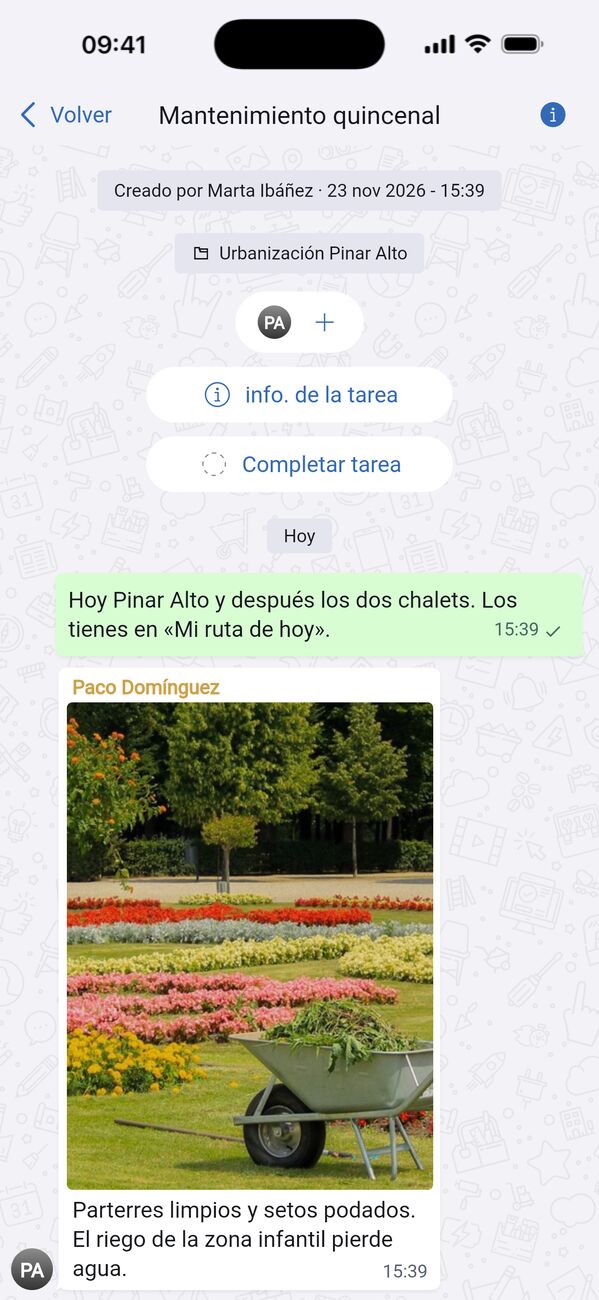
Every visit leaves its before and after photo in the client’s inbox. The residents or the owner see the work done and say so right there if something’s wrong.
- Before and after photos
- Client requests with a photo
- Today’s route in order
How it helps
From the route to the final photo, all in one place.
Today’s route
Today’s gardens on the map, in the order that saves the most miles, with directions to each.
Before and after
Every bit of pruning and every repair with its photo, in the client’s folder.
The client speaks up
The residents or the owner write in their inbox: “the sprinkler is leaking”. With a photo, if they like.
Regular maintenance
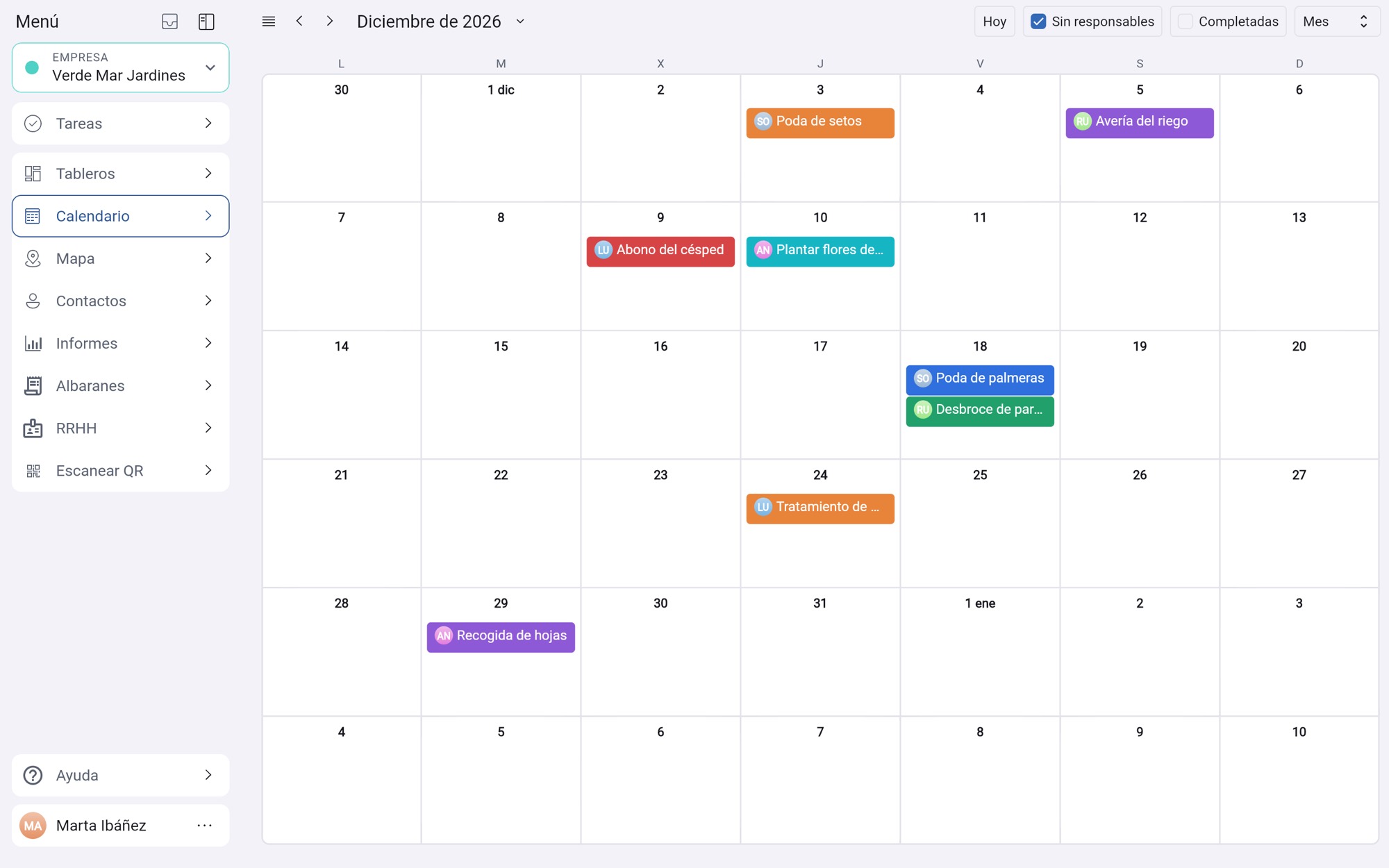
Each client’s visits on the team calendar, so none gets skipped.
Signed delivery note
Plants, materials, hours and signature on the phone. It reaches the office at once.
Clocking in by phone
The team clocks in and out from their phones, with no sign-in sheets.
- Office · officeToday Pine Hill and then the two houses. They’re in “My route today”.
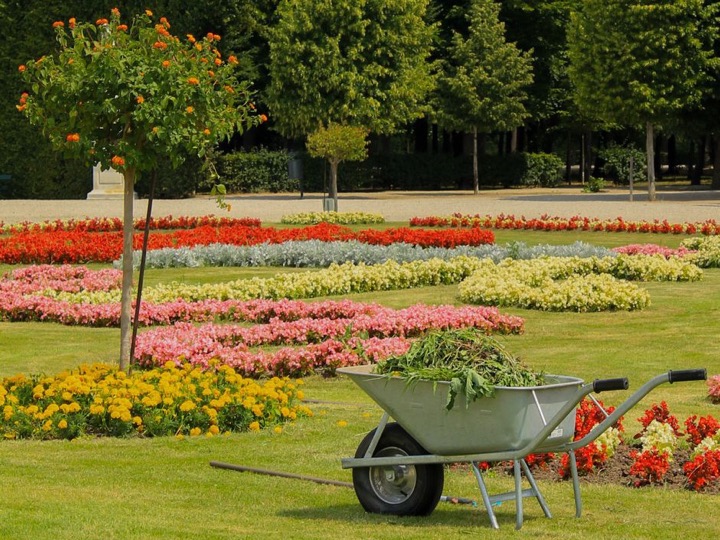
- Pat · gardenerFlower beds cleared and hedges trimmed. The sprinkler by the play area is leaking.
- Chair · clientCould you fix it this week?
- Pat · gardenerDripper replaced. Fixed today.

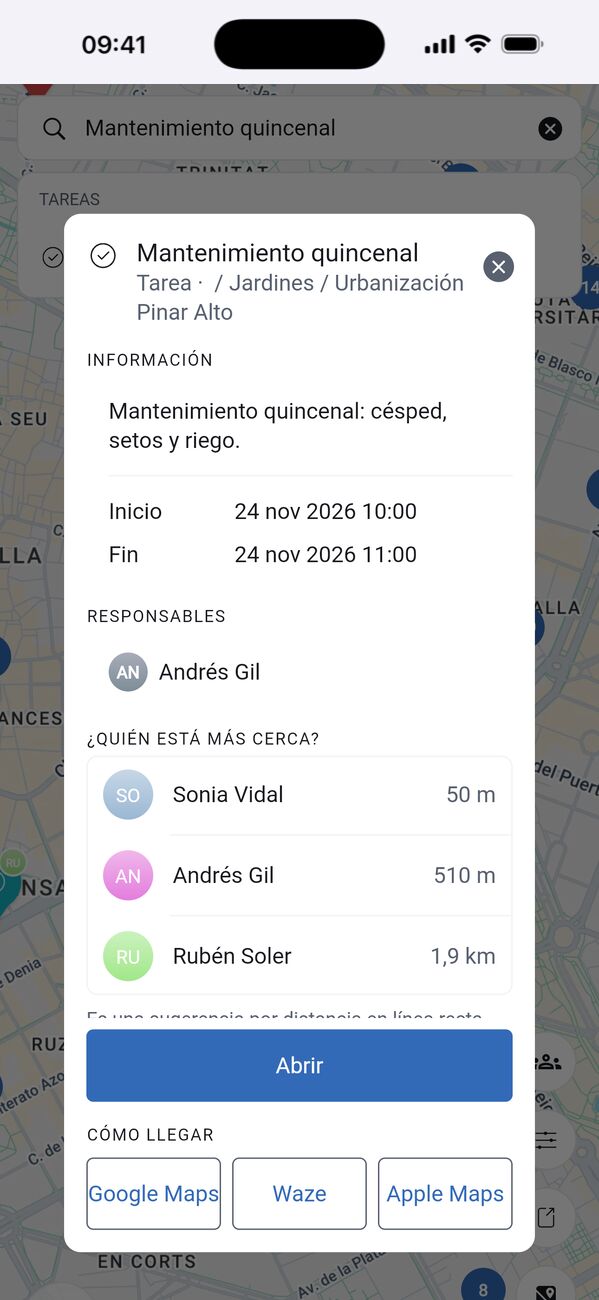
Calendar and map
What’s on today and where.
Each garden’s visits show up on the team calendar, each in its gardener’s colour. And on the map you see where each garden is and how to get there with Google Maps, Waze or Apple Maps.
Do you use Odoo or another program?
It connects with what you already use.
With Odoo, people, clients, absences, time records and delivery notes sync on their own, both ways. If you don’t use Odoo, import your contacts from a file and you’re done. See connections
Questions from gardening companies
Can the client see photos of the work?
Yes, if you invite them to their inbox or their job. They only see what’s theirs.
Does it work on a big estate with no signal?
Yes, on the phone. What you send without signal goes out by itself once the signal is back.
Can I put the day’s route in order?
Yes. “My route today” puts the stops in the order that saves the most miles and opens it in Google Maps.
What if we already use Odoo?
There’s a free module on the Odoo App Store that syncs everything, both ways.
Your company doesn’t fit in a WhatsApp group.
Start today with your team. Up to 4 people it’s free, with no time limit, and you don’t have to give any payment details.
Download it onApp StoreGoogle Play