Home › Sectors › Private security
For private security
Patrols and incidents with photos, no paper logbooks.
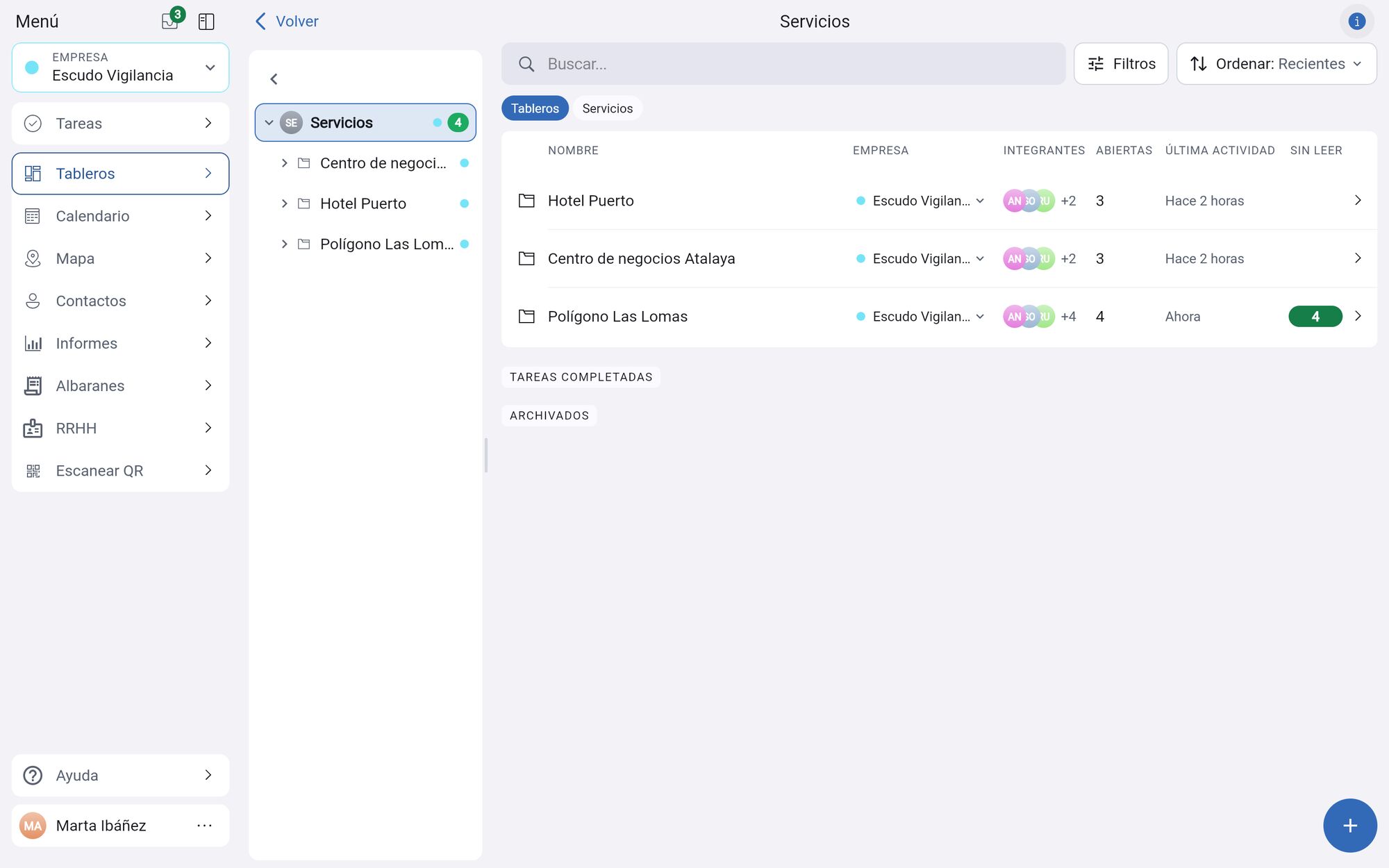
The guard clocks in, reports the patrol and sends a photo of the incident in each client’s chat. The control room sees it at once, and so does the client.
If this sounds familiar, you’re not the only one.
In security, if it isn’t written down, it didn’t happen. And anything on paper takes ages to arrive.
What you notice most
The report, written as it happens.
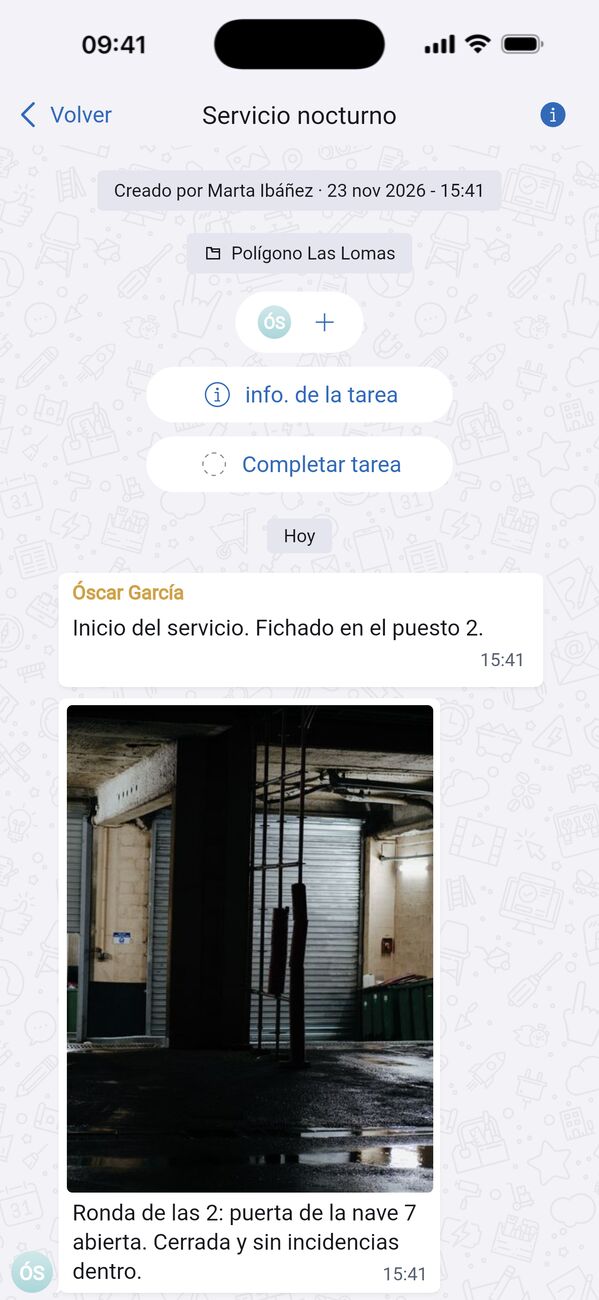
Every patrol and every incident goes into the client’s chat with its photo and exact time. The control room sees it instantly and so does the client, with no paper logbooks.
- Incidents with time and photo
- Clocking in at the post
- Client as a guest
How it helps
From the start of the shift to the report, all in writing.
Clocking in at the post
The guard clocks in and out from their phone.
Incidents with a photo
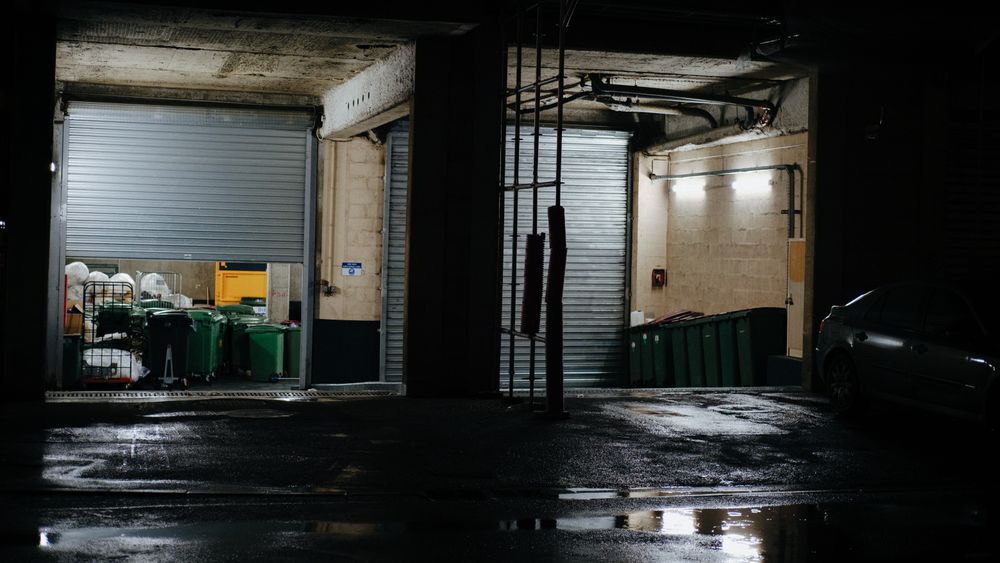
An open door, a blown light, something odd: a photo in the client’s chat, with the time.
One chat per client
The control room sees everything and the client only sees theirs.
Shifts and services
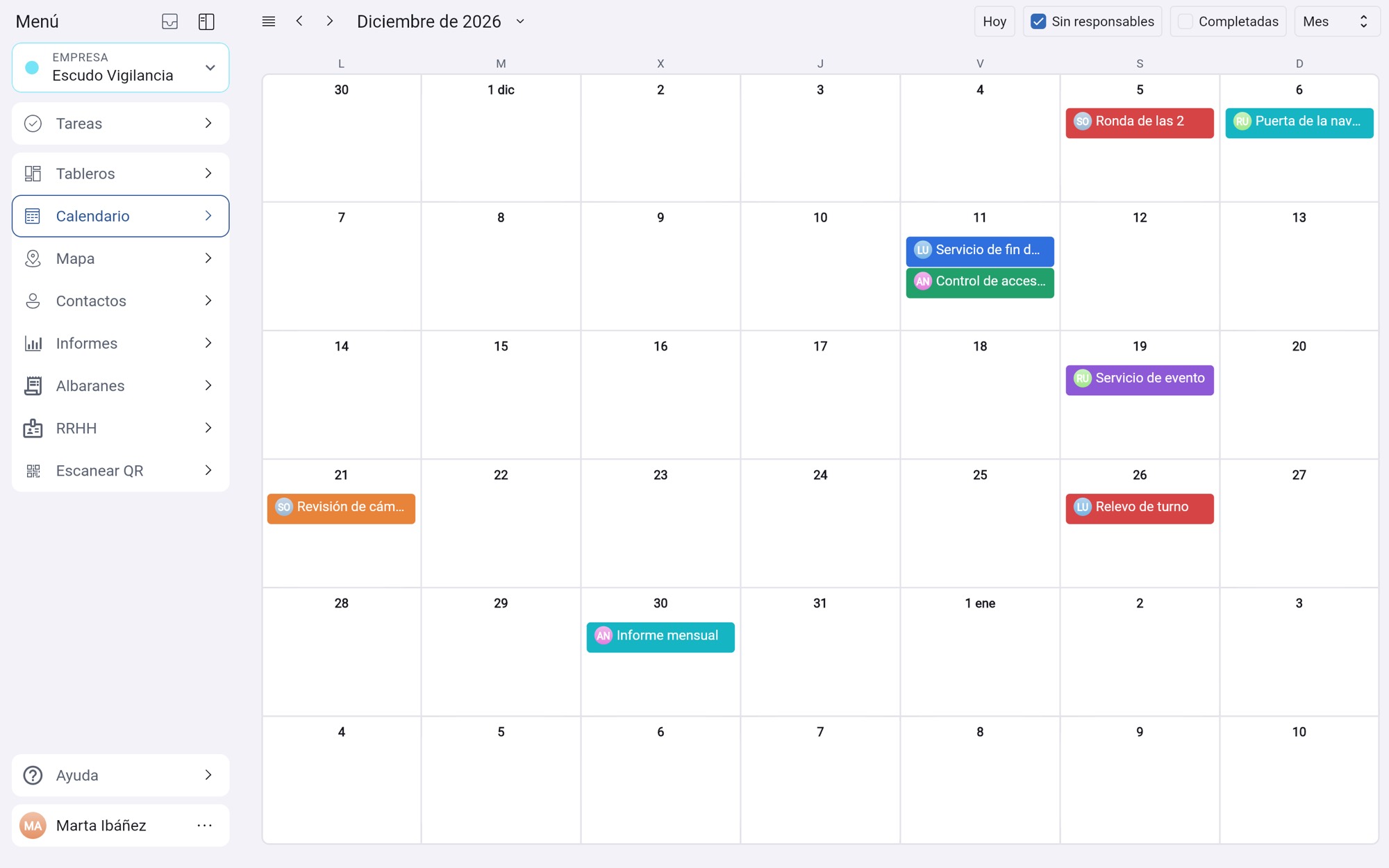
Services on the calendar and absences in plain view, so every post is covered.
Documents for each post
Post orders, floor plans and contacts in each client’s folder.
The client, invited
The client joins free through their inbox and sees the incidents for their service.
- Oscar · security guardShift started. Clocked in at post 2.
- Oscar · security guard2 am patrol: door of unit 7 open. Closed it, nothing wrong inside.
- Control room · control roomReceived. We’ll put it in the report for the client.
- Client · maintenance managerThanks. We’ll check the lock tomorrow.
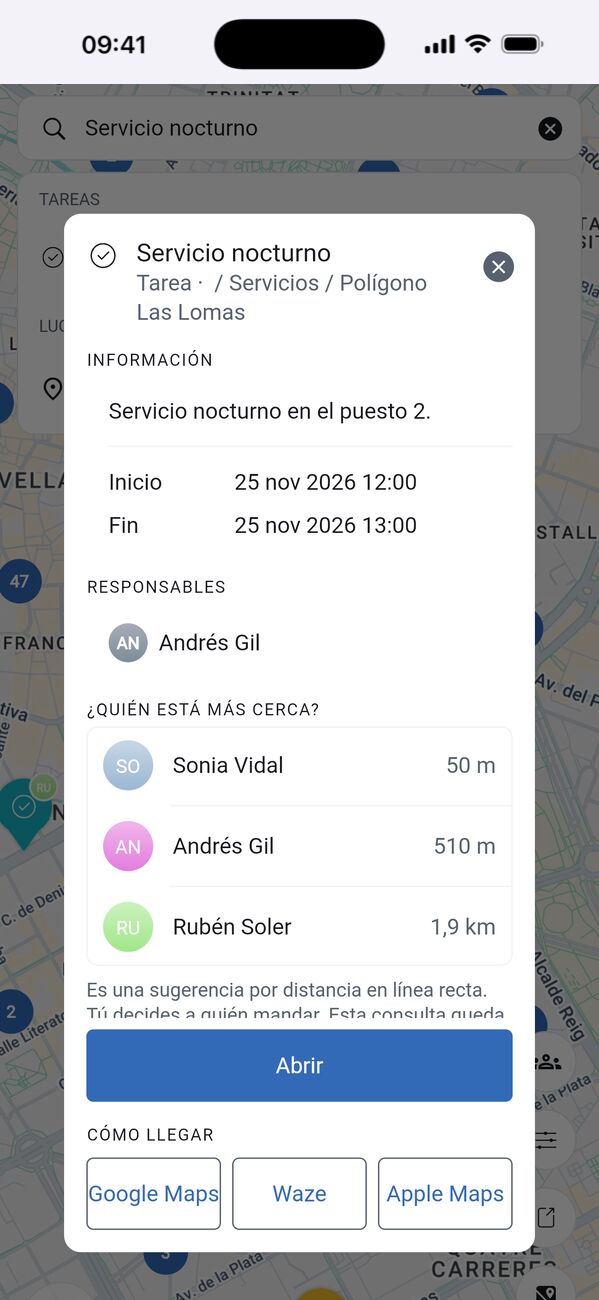
Calendar and map
What’s on today and where.
Services show up on the team calendar, each in its guard’s colour. And on the map you see where each client is and how to get there with Google Maps, Waze or Apple Maps.
Do you use Odoo or another program?
It connects with what you already use.
With Odoo, staff, absences and time records sync on their own, both ways. If you don’t use Odoo, import your clients from a file and you’re done. See connections
Questions from security companies
Does the client see the incidents?
Yes, if you invite them to their inbox. They only see the ones for their service.
Is the time of each message kept?
Yes. Every message and every photo keeps its date and time.
Can guards clock in from their phones?
Yes. The office sees it in HR › Time records.
Does it work with no signal?
Yes, on the phone. What you send without signal goes out by itself once the signal is back.
Your company doesn’t fit in a WhatsApp group.
Start today with your team. Up to 4 people it’s free, with no time limit, and you don’t have to give any payment details.
Download it onApp StoreGoogle Play