For solar installers
From the roof to the inverter, every installation in its place.
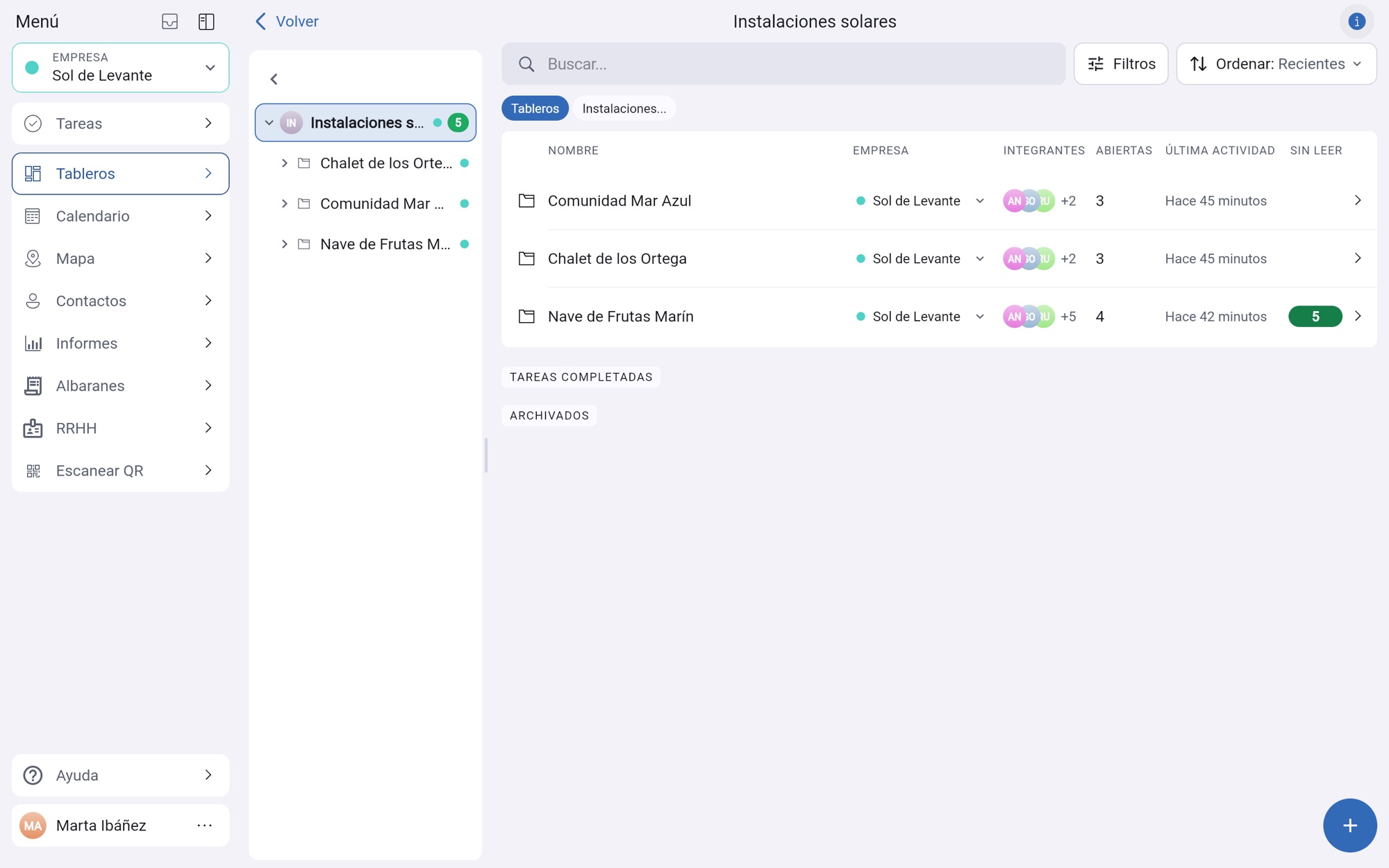
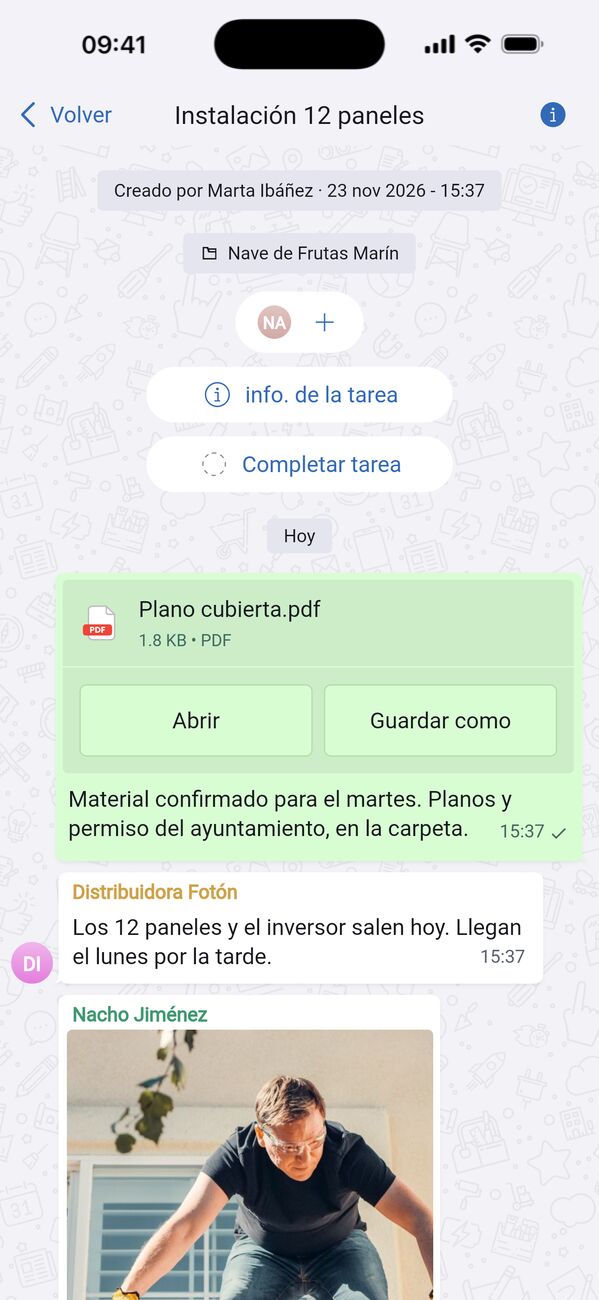
Drawings, permits, materials from the distributor and photos of every stage, in each installation’s chat. The client sees how it’s going without having to call.
If this sounds familiar, you’re not the only one.
A solar installation has lots of moving parts: paperwork, materials, team and client. If each goes its own way, everything runs late.
What you notice most
The distributor, right in the chat.
Invite the distributor to an inbox and they confirm the materials right there. Installers, office and client all see the same arrival date, without phone calls.
- Materials confirmed in writing
- Photos of every stage for the paperwork
- The client sees progress without calling
How it helps
From survey to switch-on, all together.
Drawings and permits
The roof drawing and the local permit, in the installation’s folder.
Distributor as a guest
They confirm panels and inverter in the chat. Free for them.
Photos of every stage
Mounting, panels, electrical panel and inverter. All kept for the official paperwork.
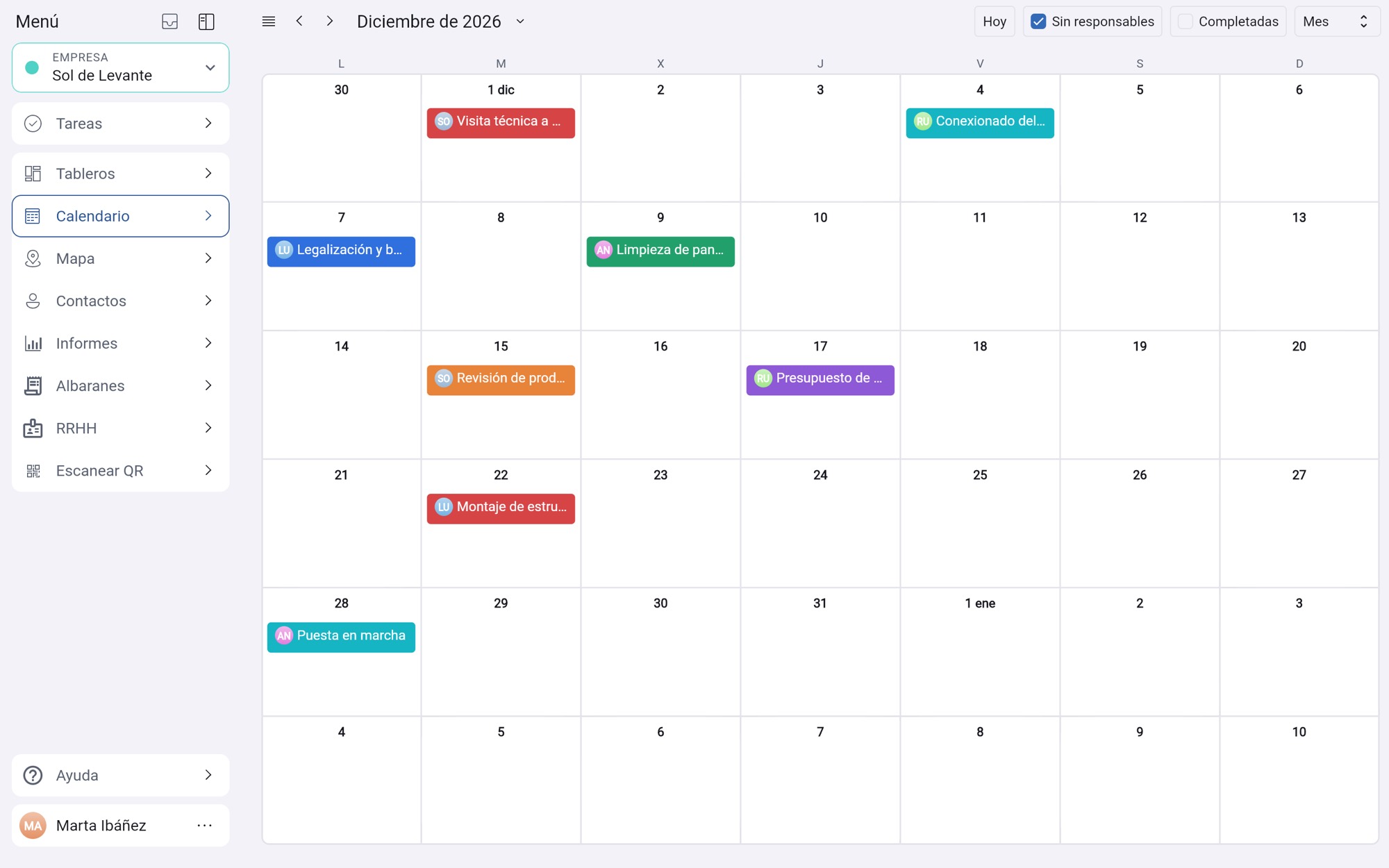
Installs on the calendar
Which team goes to which roof and on what day, for everyone to see.
Signed delivery note
Materials, hours and the client’s signature on the phone.
The client in the loop
They see the photos and the progress in their inbox. Only theirs.
- Office · officeMaterials confirmed for Tuesday. Drawings and the council permit are in the folder. Roof drawing.pdf
- Photon Supplies · supplierThe 12 panels and the inverter ship today. They’ll arrive Monday afternoon.
- Nick · installerPanels mounted. Wiring and inverter tomorrow.
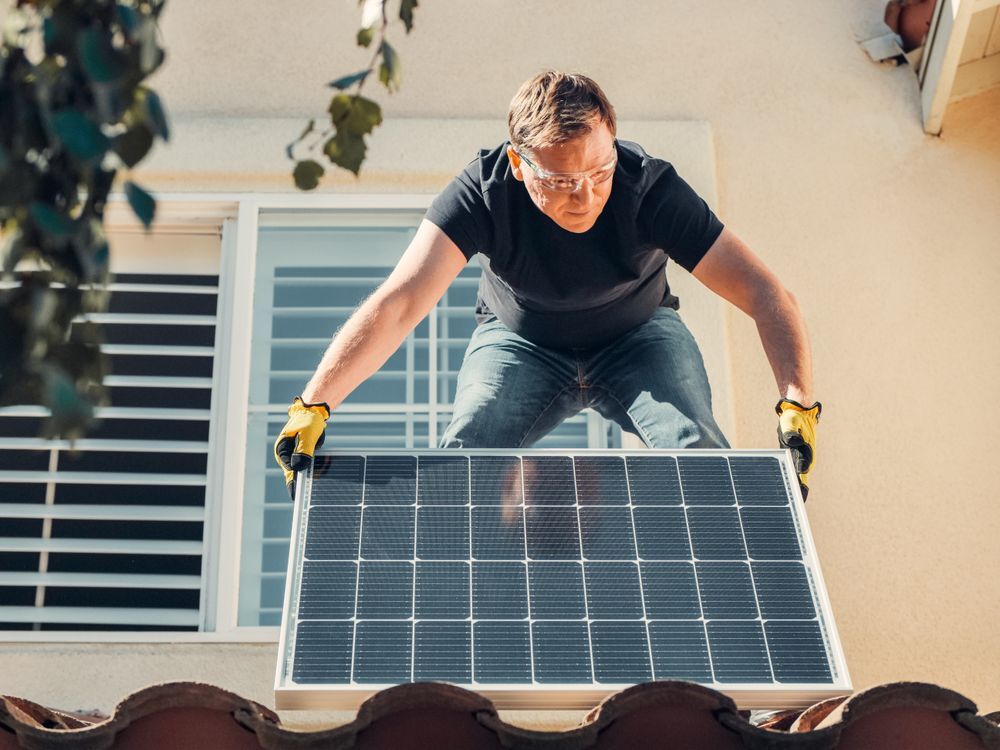
- Marlow Fruit · clientI can already see the output in the inverter app! Thanks, team.
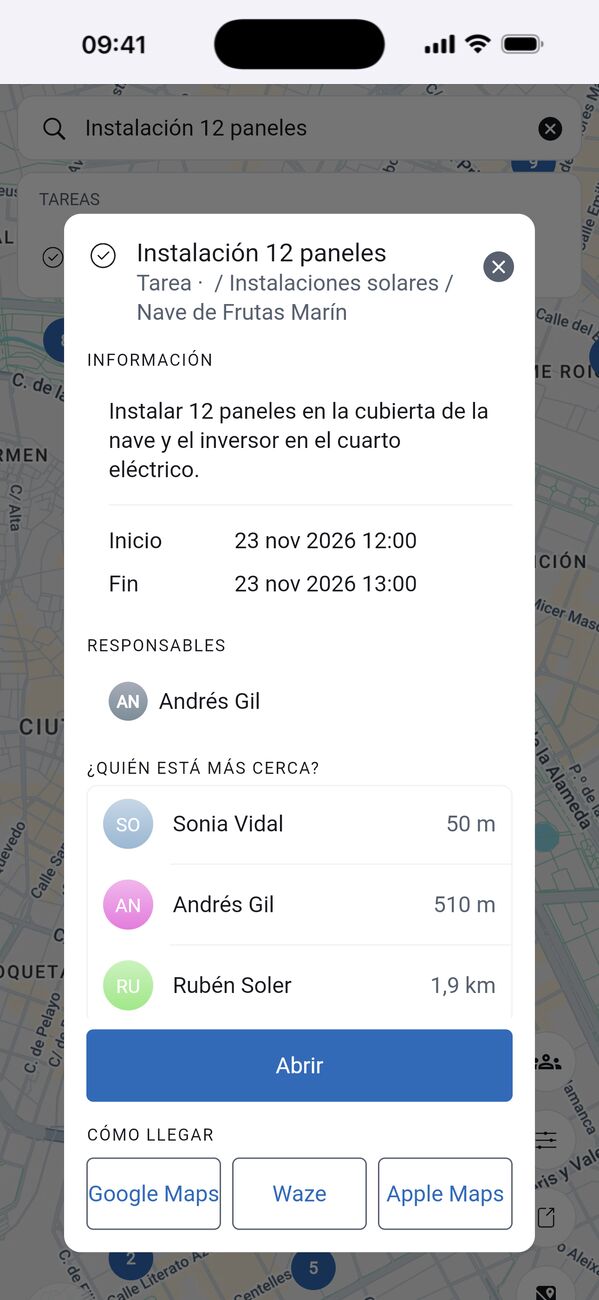
Calendar and map
What’s on today and where.
Installs with a date show up on the team calendar, each in its team’s colour. And on the map you see where each one is and how to get there with Google Maps, Waze or Apple Maps.
Do you use Odoo or another program?
It connects with what you already use.
With Odoo, the signed delivery note takes the materials out of your inventory and what’s been invoiced shows in both programs. If you don’t use Odoo, import your clients from a file and you’re done. See connections
Questions from solar installers
Can I keep the paperwork for each installation?
Yes. Each installation has its own folder, with drawings, permits, photos and delivery notes.
Do my clients and suppliers pay?
No. They join free as guests through their inbox and only see what’s theirs.
Does it work on a roof with poor signal?
Yes, on the phone. What you send without signal goes out by itself once the signal is back.
What if we already use Odoo?
There’s a free module on the Odoo App Store that syncs everything, both ways.
Your company doesn’t fit in a WhatsApp group.
Start today with your team. Up to 4 people it’s free, with no time limit, and you don’t have to give any payment details.
Download it onApp StoreGoogle Play