For lift and elevator companies
A stuck lift can’t wait. Neither does your team.
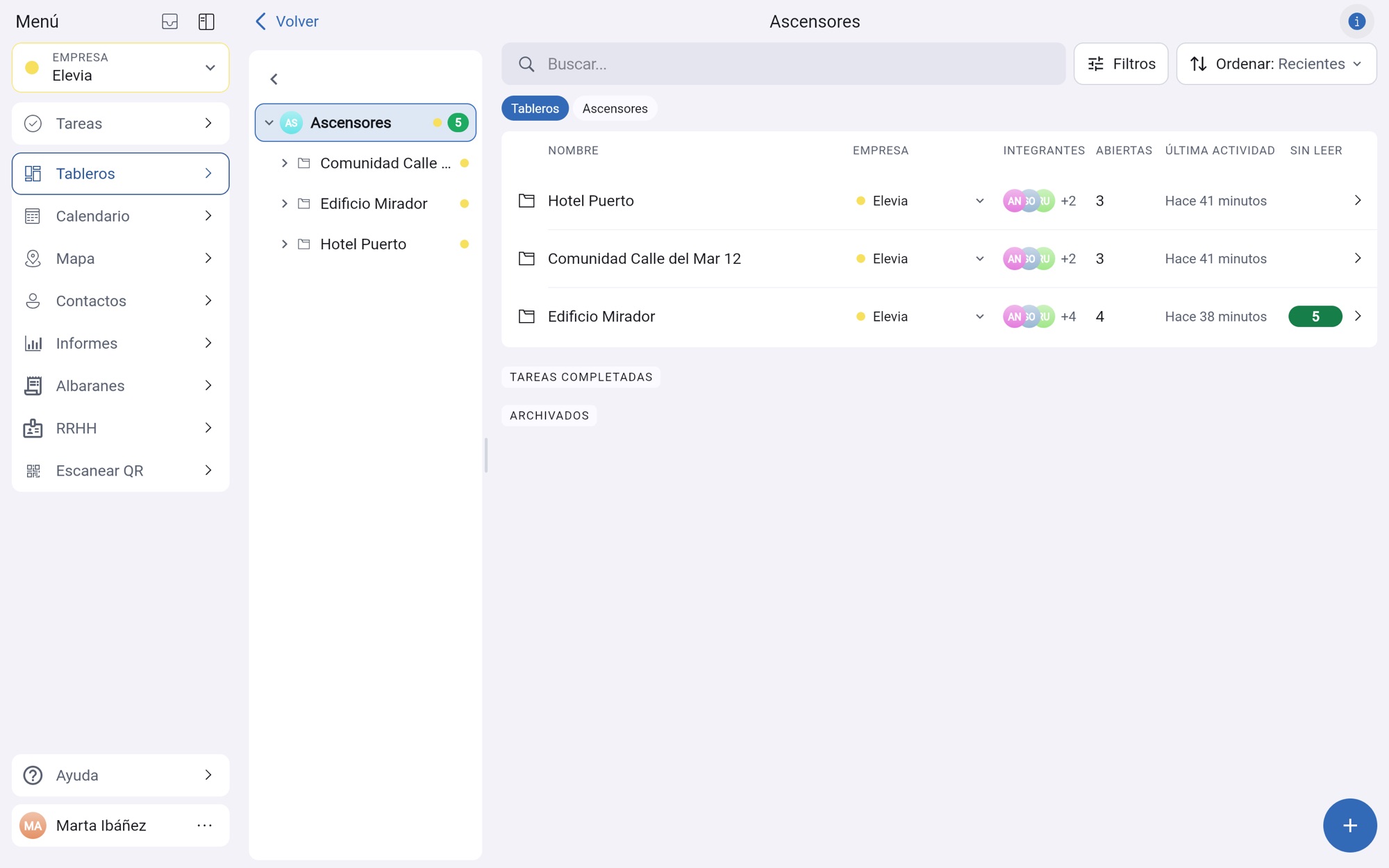
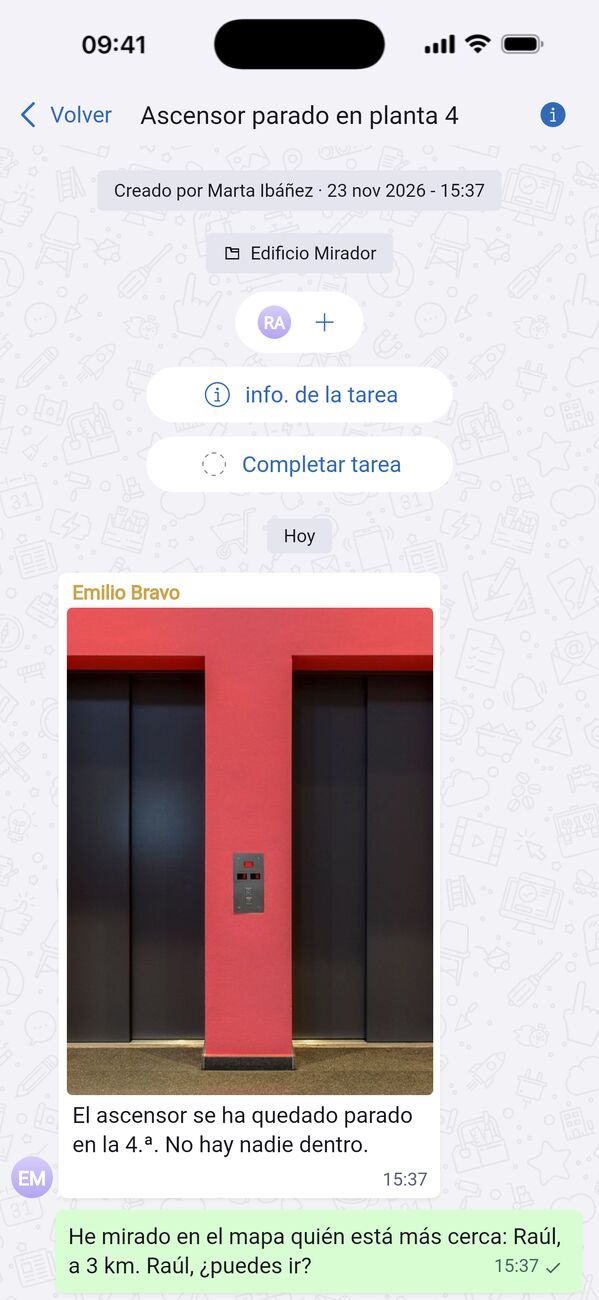
The caretaker reports it with a photo, the office checks who’s nearest and the technician leaves the signed report in the building’s folder. All in minutes.
If this sounds familiar, you’re not the only one.
With lifts, a breakdown is an emergency. What counts is getting there fast and writing it all down.
What you notice most
The nearest technician, at a glance.
If your company turns on team location, the office opens the call-out on the map and sees who’s nearest, and how far away they are. Location is only shared during working hours, always with a notice.
- Who’s nearest and how far away
- Directions in one tap
- Report signed in the building
How it helps
From the call to the signed report, no time wasted.
An inbox for each building
The caretaker or the property manager reports there, with a photo. You give them the link or the QR code.
Who’s nearest
If your company turns it on, you see who’s nearest to the call-out. With the privacy rules your company chooses.
Signed report
The caretaker signs on the phone and the report reaches the office at once.
Regular inspections
Each lift’s inspections on the calendar, shared out by technician.
Each lift’s history
Breakdowns, parts and inspections, in each building’s folder.
On-call and clocking in
Clocking in by phone and absences in plain view, so on-call shifts are covered.
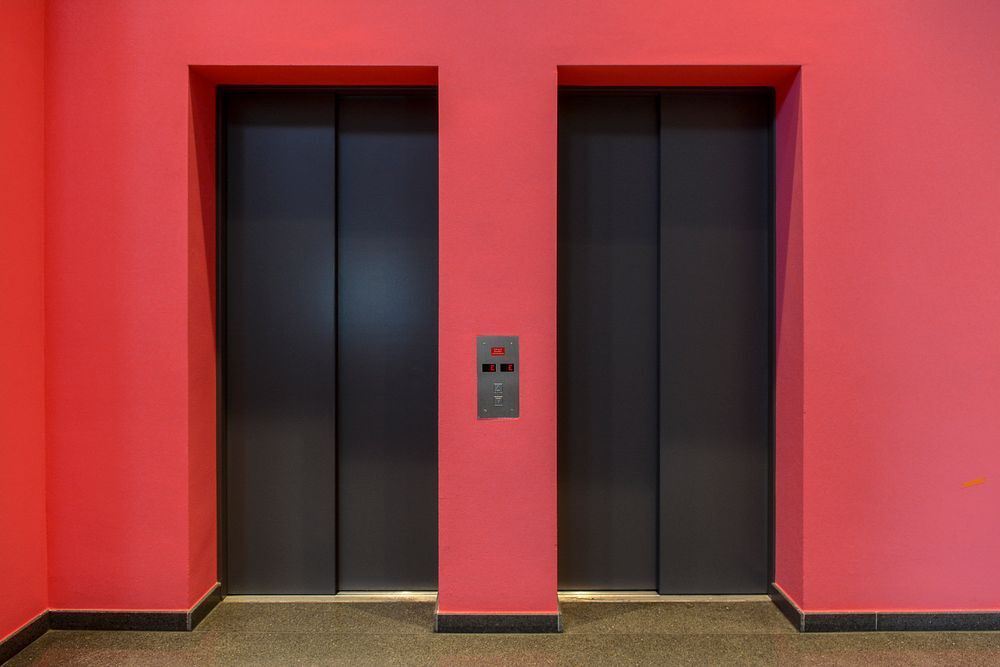
- Caretaker · caretakerThe lift has stopped on the 4th floor. Nobody inside.
- On-call office · officeChecked the map for who’s nearest: Ryan, 3 km away. Ryan, can you go?
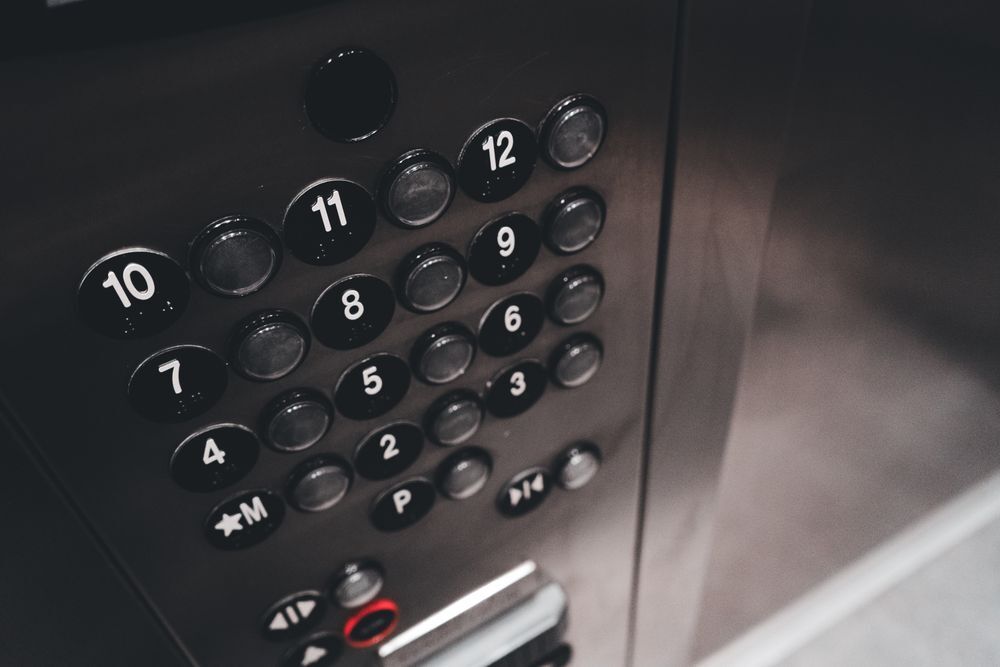
- Ryan · technicianFault in the car’s button panel. Replaced and lift running again.
- Ryan · technicianReport signed by the caretaker.
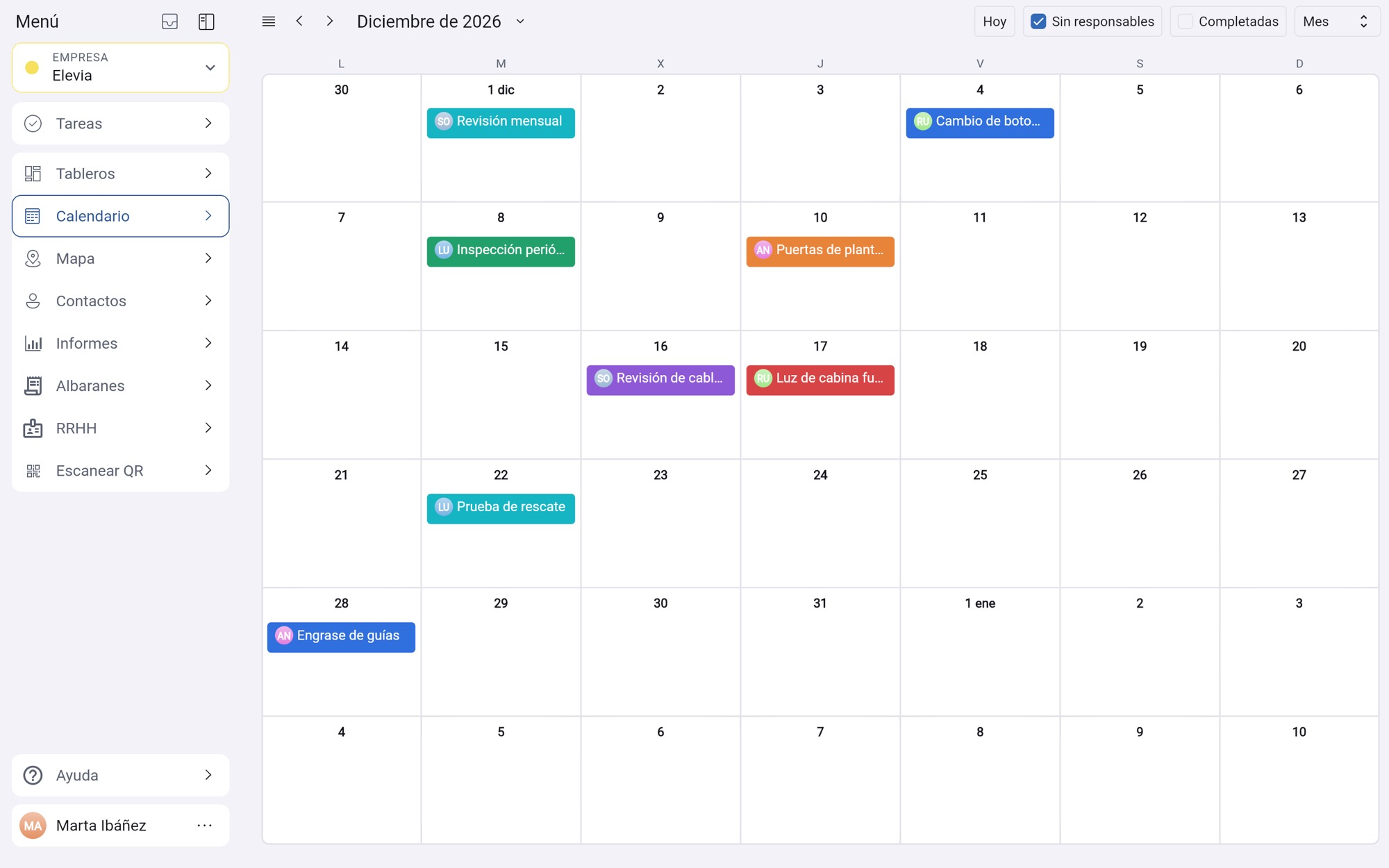
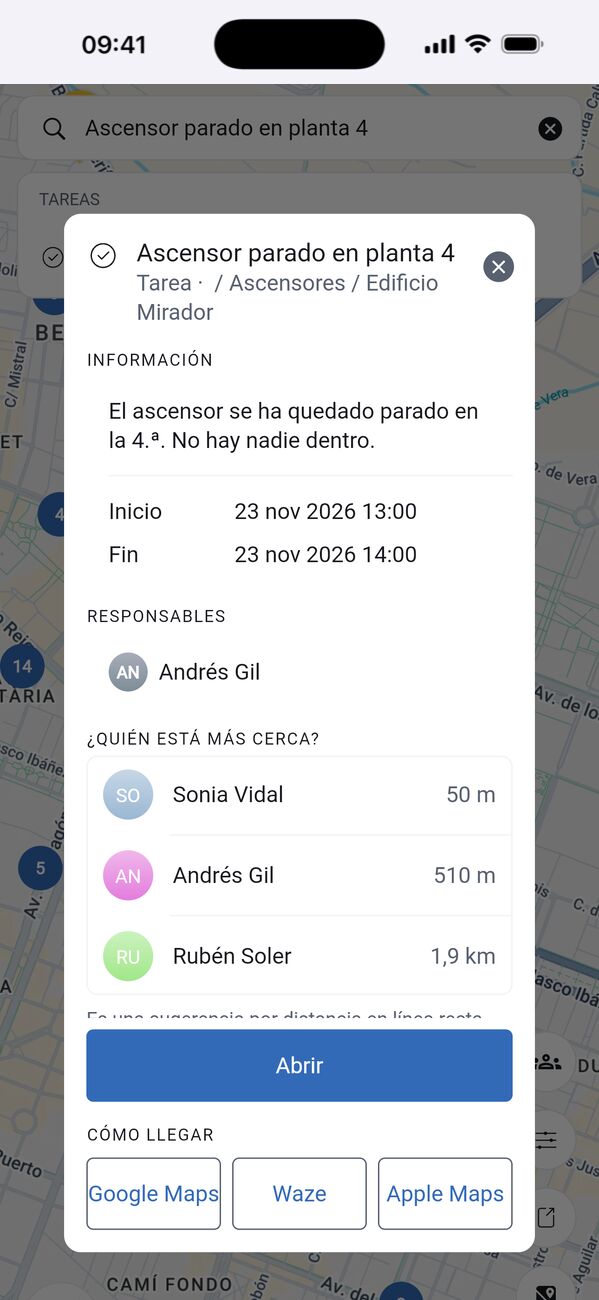
Calendar and map
What’s on today and where.
Call-outs and inspections with a date show up on the team calendar, each in its technician’s colour. And on the map you see where each one is and how to get there with Google Maps, Waze or Apple Maps.
Do you use Odoo or another program?
It connects with what you already use.
With Odoo, the signed delivery note takes the materials out of your inventory and what’s been invoiced shows in both programs. If you don’t use Odoo, import your clients from a file and you’re done. See connections
Questions from lift companies
Can the caretaker report without installing anything odd?
They join with the building inbox’s link or QR code, for free, and only see their own building.
Can you always see where the technician is?
No. Only if your company turns it on, and each person shares it only during their working hours, with a notice in view.
Can I keep the history of each lift?
Yes. A folder for each building or each lift, with everything that’s been done, by date.
What if we already use Odoo?
There’s a free module on the Odoo App Store that syncs everything, both ways.
Your company doesn’t fit in a WhatsApp group.
Start today with your team. Up to 4 people it’s free, with no time limit, and you don’t have to give any payment details.
Download it onApp StoreGoogle Play