Home › Sectors › IT and tech support
For IT and tech support
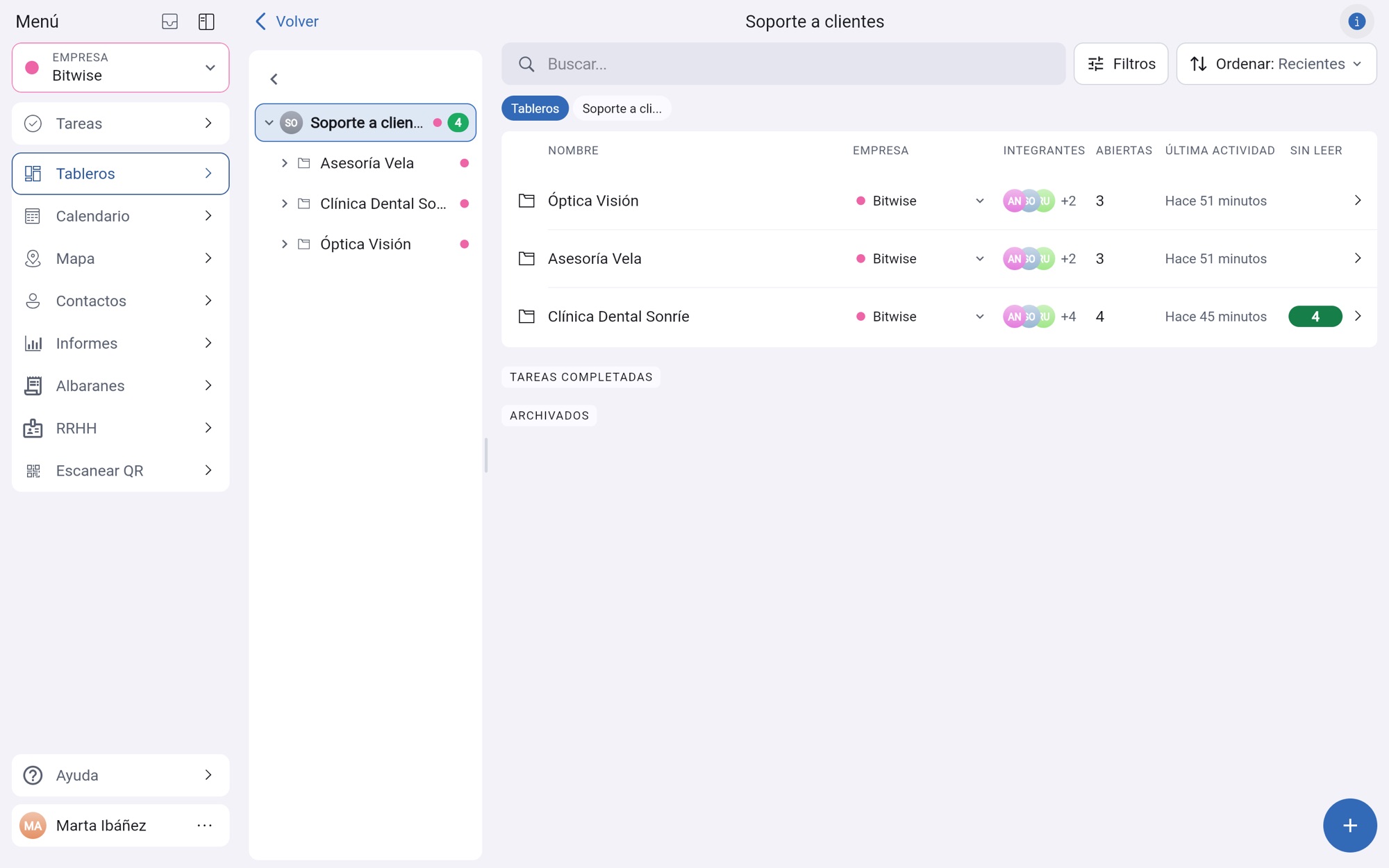
Each client with their support inbox, and each ticket with its time sheet.
The client opens a ticket in their inbox with a screenshot, the technician solves it and logs the hours. At the end of the month, it’s all there to invoice.
If this sounds familiar, you’re not the only one.
Support eats up the day when it comes from everywhere at once. One place per client changes everything.
What you notice most
An inbox per client, and goodbye to the phone.
Each client asks for help in their inbox, with a screenshot or a photo of the screen. The right people see it, it’s in writing and the next technician knows what was done.
- The client joins free
- Screenshot and description in writing
- Hours logged on every ticket
How it helps
From screenshot to time sheet, all in one place.
Support inbox
One per client. They join free and only see what’s theirs.
One ticket, one chat
What happened, what was done and how it was left. For next time.
Time sheet
Remote or in person, with its time. Ready to invoice.
Info in levels
Technical details in “For everyone” and sensitive ones in “Office”, for managers only.
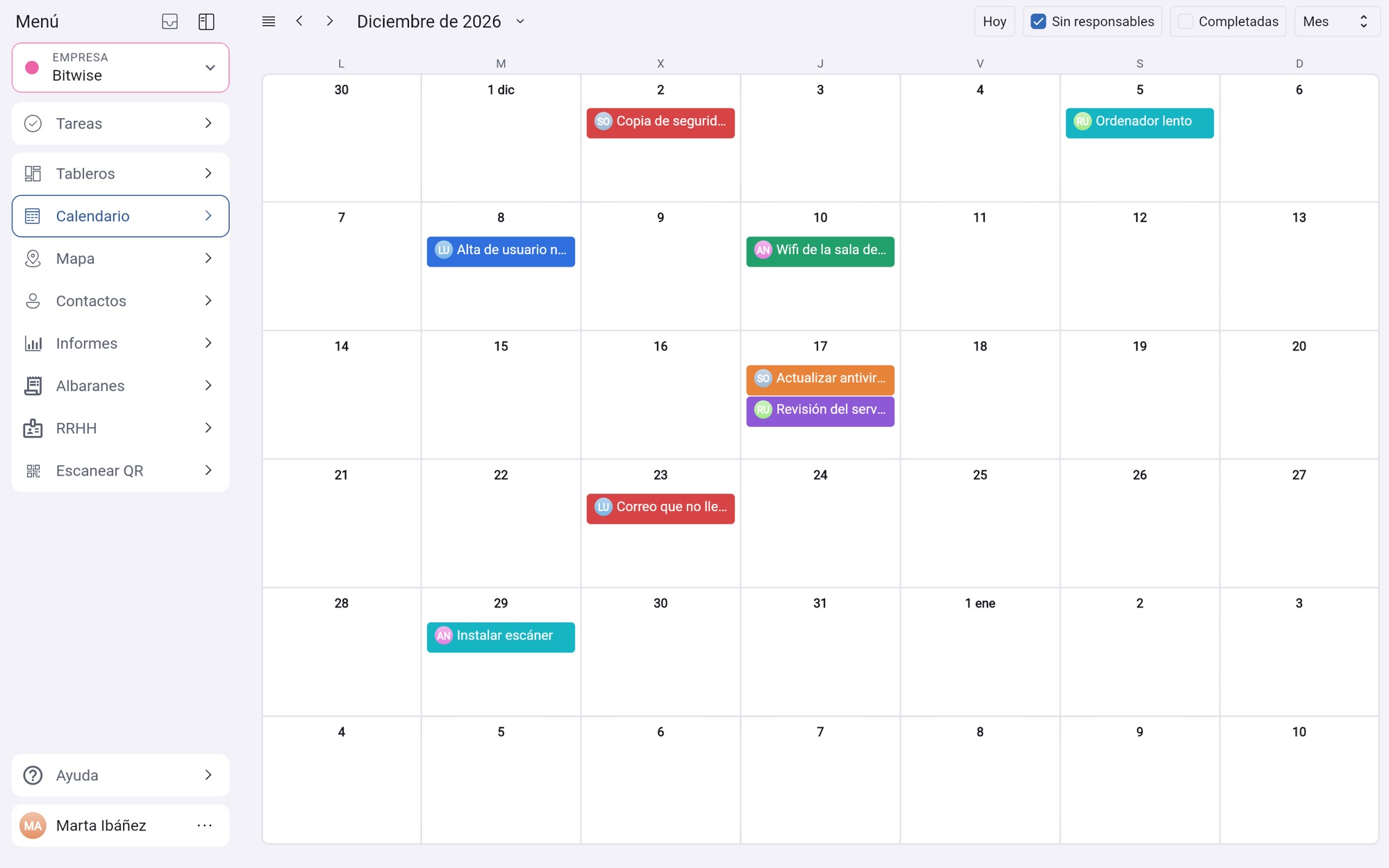
Scheduled visits
Maintenance and client visits on the team calendar.
Client documentation
Equipment inventory, licences and manuals in their folder.
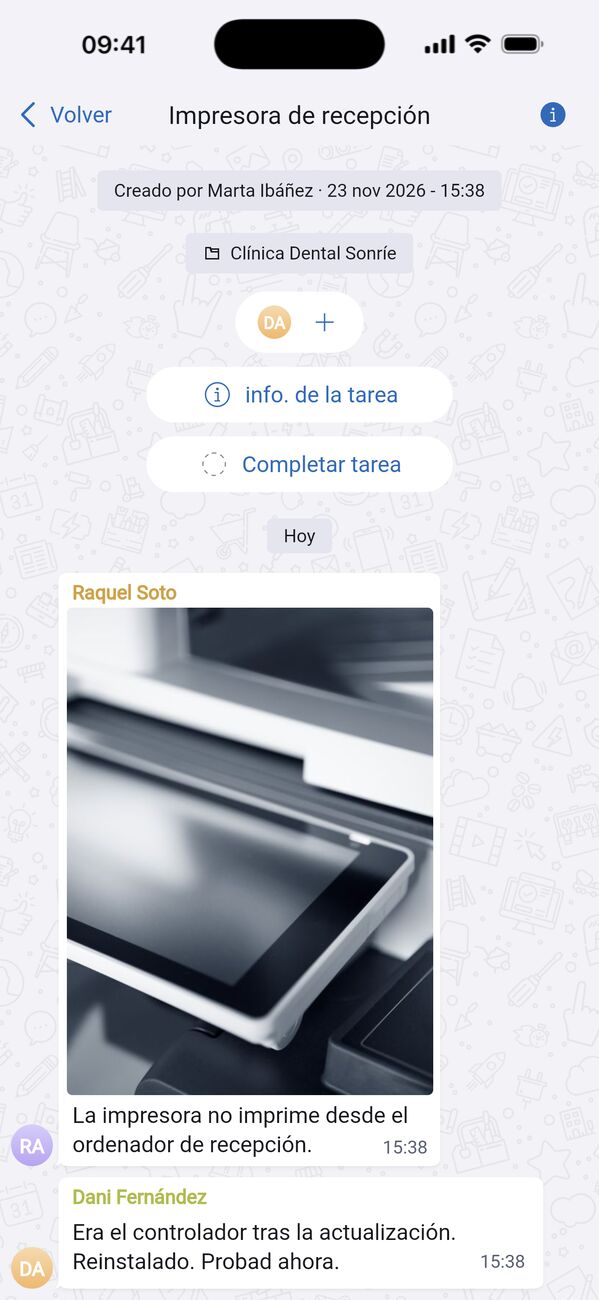
- Reception · clientThe printer won’t print from the reception computer.
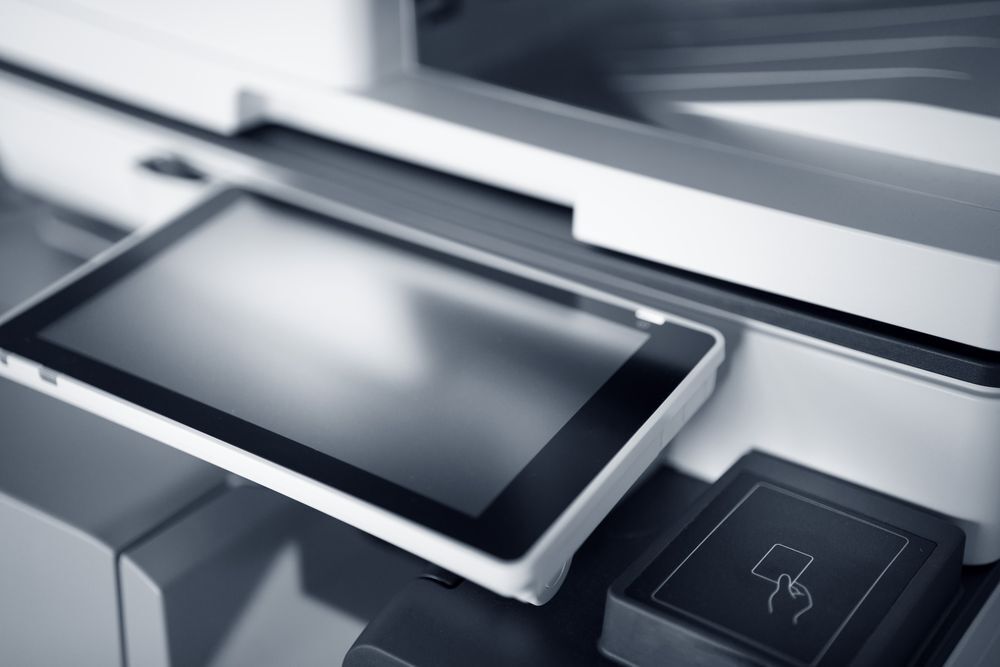
- Dan · technicianIt was the driver after the update. Reinstalled. Try now.
- Reception · clientIt works! Thanks.
- Dan · technicianHere’s the time sheet: 20 minutes remote.
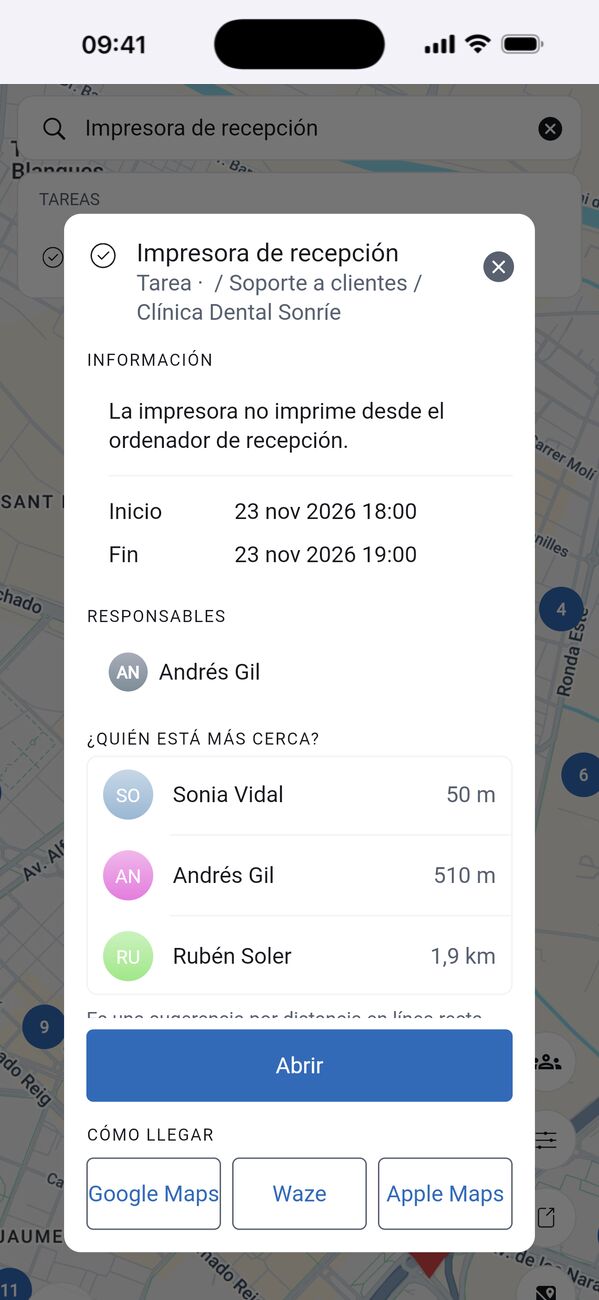
Calendar and map
What’s on today and where.
Visits with a date show up on the team calendar, each in its technician’s colour. And on the map you see where each one is and how to get there with Google Maps, Waze or Apple Maps.
Do you use Odoo or another program?
It connects with what you already use.
With Odoo, people, clients, absences, time records and delivery notes sync on their own, both ways. If you don’t use Odoo, import your contacts from a file and you’re done. See connections
Questions from IT companies
Can I keep sensitive client details?
Yes, in the “Office” part of their folder’s Info, which only managers and admins see.
Do my clients and suppliers pay?
No. They join free as guests through their inbox and only see what’s theirs.
Can it be used on a computer?
Yes. In the browser, on the phone and on the iPad, with the same account.
Where is the data stored?
In Europe, encrypted and backed up every day. The data belongs to your company.
Your company doesn’t fit in a WhatsApp group.
Start today with your team. Up to 4 people it’s free, with no time limit, and you don’t have to give any payment details.
Download it onApp StoreGoogle Play