Home › Sectors › Alarms and security systems
For alarms and security systems
Cameras, alarms and access control, each client with their history.
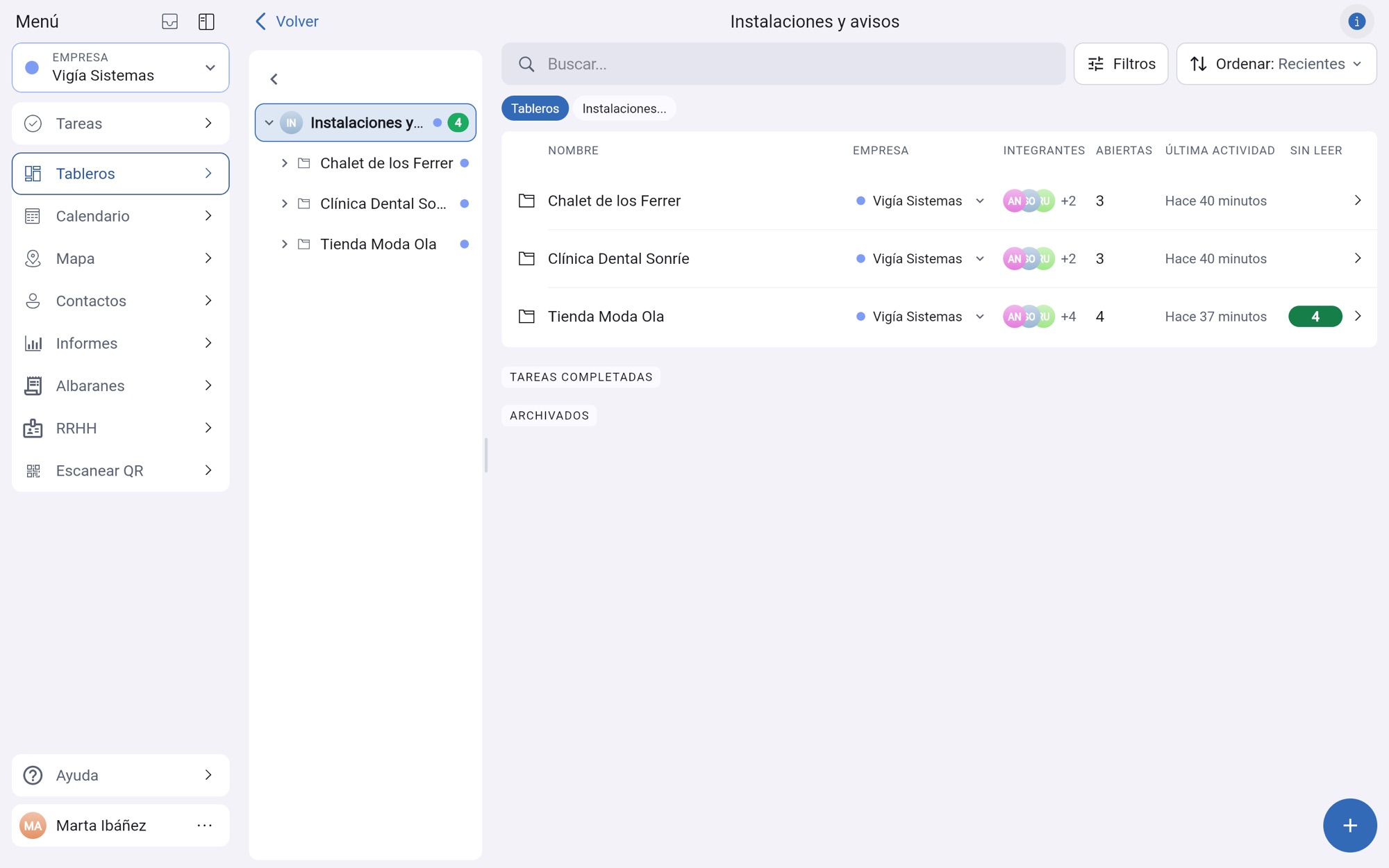
Each client’s installations, faults and maintenance, with their chat, photos and signed delivery note. Invoicing is just copying the delivery note.
If this sounds familiar, you’re not the only one.
A security system involves lots of sensitive details. They can’t live on each technician’s WhatsApp.
What you notice most
Sensitive details, for the office only.
Every folder has its “Info” in two parts: “For everyone”, with what the technician needs, and “Office”, only for managers and admins. So each detail is seen by whoever should see it.
- Info: “For everyone” and “Office”
- The client only sees theirs
- History for each system
How it helps
From fault to delivery note, in the same chat.
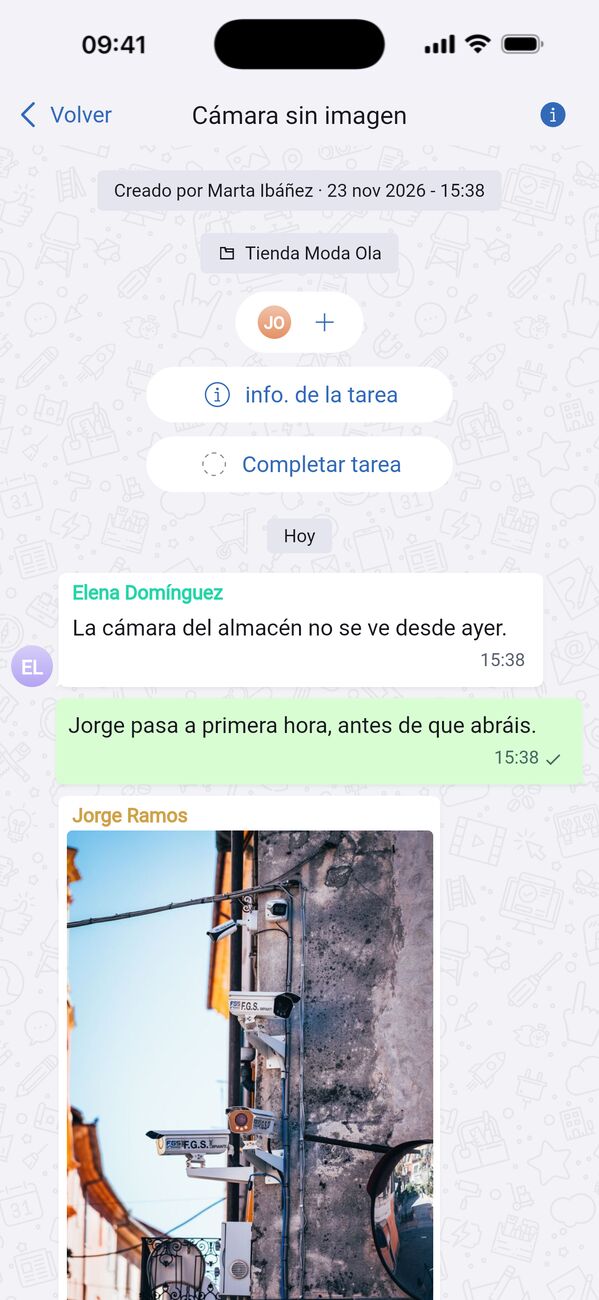
Call-outs with their chat
The client reports in their inbox and the technician sees it on their phone.
Diagrams and manuals
Each installation’s diagram, in the client’s folder.
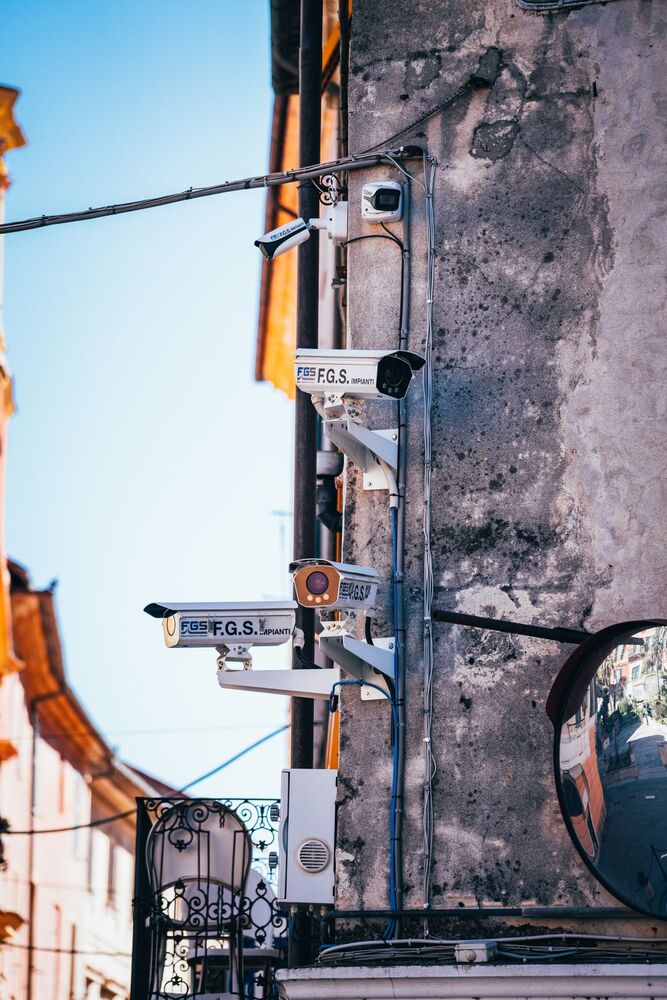
Installation photos
Where each camera and each sensor is. The next technician can find them.
Signed delivery note
Materials, hours and the client’s signature on the phone.
Maintenance
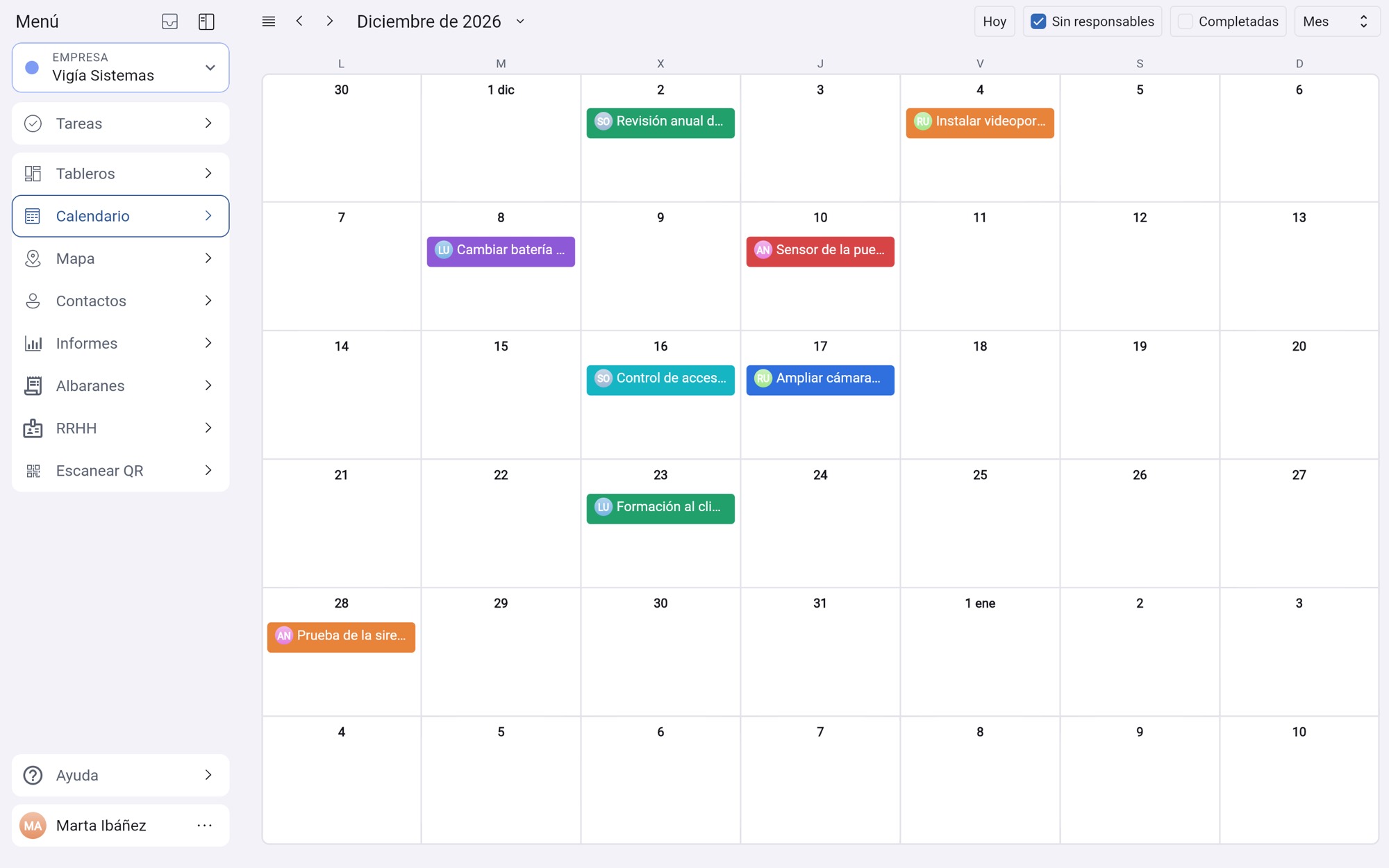
Each client’s inspections on the team calendar.
Info in levels
“For everyone” or “Office” only. Each detail for the right people.
- Ellen · clientThe stockroom camera has shown nothing since yesterday.
- Office · officeGeorge will come first thing, before you open.
- George · technicianPower supply burnt out. Replaced and recording again.
- George · technicianDelivery note signed by Ellen.
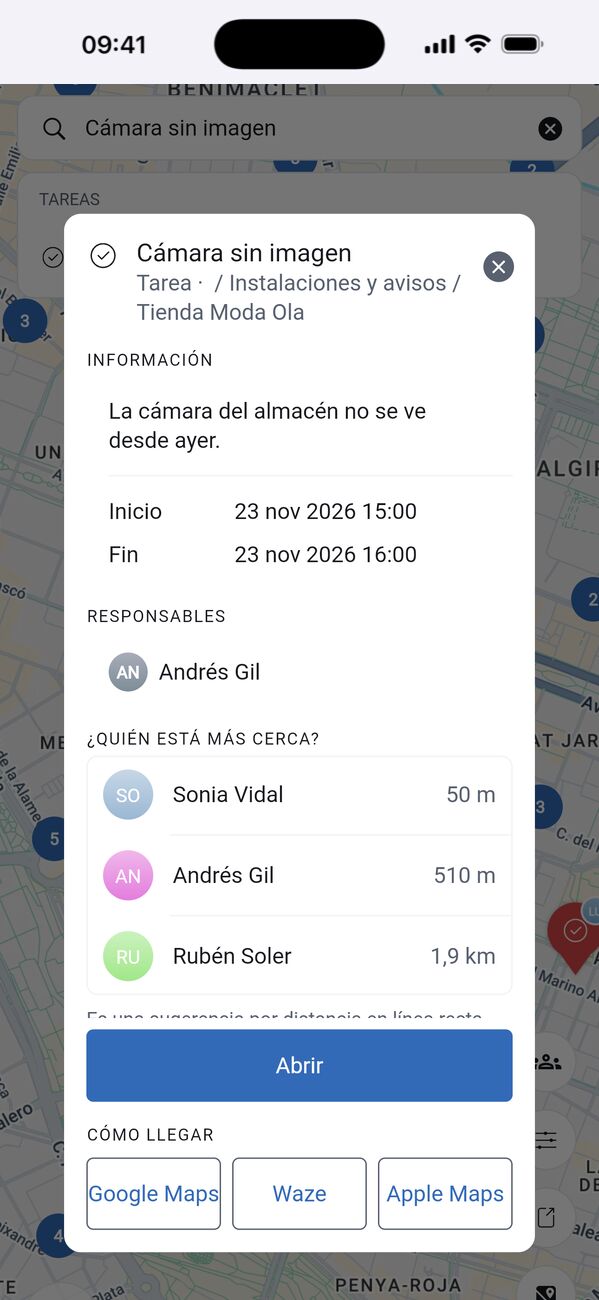
Calendar and map
What’s on today and where.
Installations and call-outs with a date show up on the team calendar, each in its technician’s colour. And on the map you see where each one is and how to get there with Google Maps, Waze or Apple Maps.
Do you use Odoo or another program?
It connects with what you already use.
With Odoo, the signed delivery note takes the materials out of your inventory and what’s been invoiced shows in both programs. If you don’t use Odoo, import your clients from a file and you’re done. See connections
Questions from security system companies
Can I keep details that not all the team sees?
Yes. The “Office” part of each folder’s Info is only seen by managers and admins.
Does the client see internal conversations?
No. They only see the chat you invite them to.
Where is the data stored?
In Europe, encrypted and backed up every day. The data belongs to your company.
What if we already use Odoo?
There’s a free module on the Odoo App Store that syncs everything, both ways.
Your company doesn’t fit in a WhatsApp group.
Start today with your team. Up to 4 people it’s free, with no time limit, and you don’t have to give any payment details.
Download it onApp StoreGoogle Play